A hoodie is the piece most clothing brands are built around: it carries the biggest print, it works for every season but summer, and it is what fans buy at a concert or a launch.
This guide collects hoodie mockups for every stage of a drop: clean front and back views for the shop, zip up and oversized fits, hoodies on people, back prints in real streets, sweatshirt mockups, and a few tees and caps to finish the collection.
The short version
- Oversize Hoodie Mockups in 3D Style, Dark and Light: showing a drop before the first samples arrive
- Hoodie Basic-Oversized Mockup: checking print scale on an oversized cut and planning a color range
- Men's Zip Hoodie Mockups: team, club and staff hoodies with a zip
- Hoodie on the Man Mockups, Urban Style: a product feed that looks like one photo shoot
- Woman Hoodie Mockups: selling a unisex design to women too
- African Men Hoodie Mockup Set: a whole launch campaign from one set of images
- Sunset Hoodie Mockup, Back View: announcing a drop built around a back print
- Streetwear Hoodie Mockup on an Escalator: pitching a print on the hood as well as the back
- Sweatshirt Various Mockup: adding a crewneck next to the hoodie in a collection
- Sweatshirt Mockup Set: social ads that blend into the feed
- Oversized T-Shirt Mockup: a line sheet where tee, hoodie and crewneck match
- 5-Panel Hat Mockup: a cap with a hidden detail under the brim
- Oversized T-Shirt and Baseball Cap Mockup Set: selling a complete look or a tee and cap bundle
- Merchandise Mockup Bundle: pitching a full merch line for a brand, an event or a creator
In this guide
- Front and back hoodie mockups for your shop
- 1. Oversize Hoodie Mockups in 3D Style, Dark and Light
- 2. Hoodie Basic-Oversized Mockup
- Hoodies on models: zip ups, women and lifestyle
- 3. Men's Zip Hoodie Mockups
- 4. Hoodie on the Man Mockups, Urban Style
- 5. Woman Hoodie Mockups
- 6. African Men Hoodie Mockup Set
- Back print hoodie mockups in streetwear scenes
- 7. Sunset Hoodie Mockup, Back View
- 8. Streetwear Hoodie Mockup on an Escalator
- Sweatshirt mockups
- 9. Sweatshirt Various Mockup
- 10. Sweatshirt Mockup Set
- Complete the drop: tees and caps
- 11. Oversized T-Shirt Mockup
- 12. 5-Panel Hat Mockup
- 13. Oversized T-Shirt and Baseball Cap Mockup Set
- 14. Merchandise Mockup Bundle
- How to build a hoodie listing that sells
- By the numbers
- FAQ
- Sources
Front and back hoodie mockups for your shop
1. Oversize Hoodie Mockups in 3D Style, Dark and Light
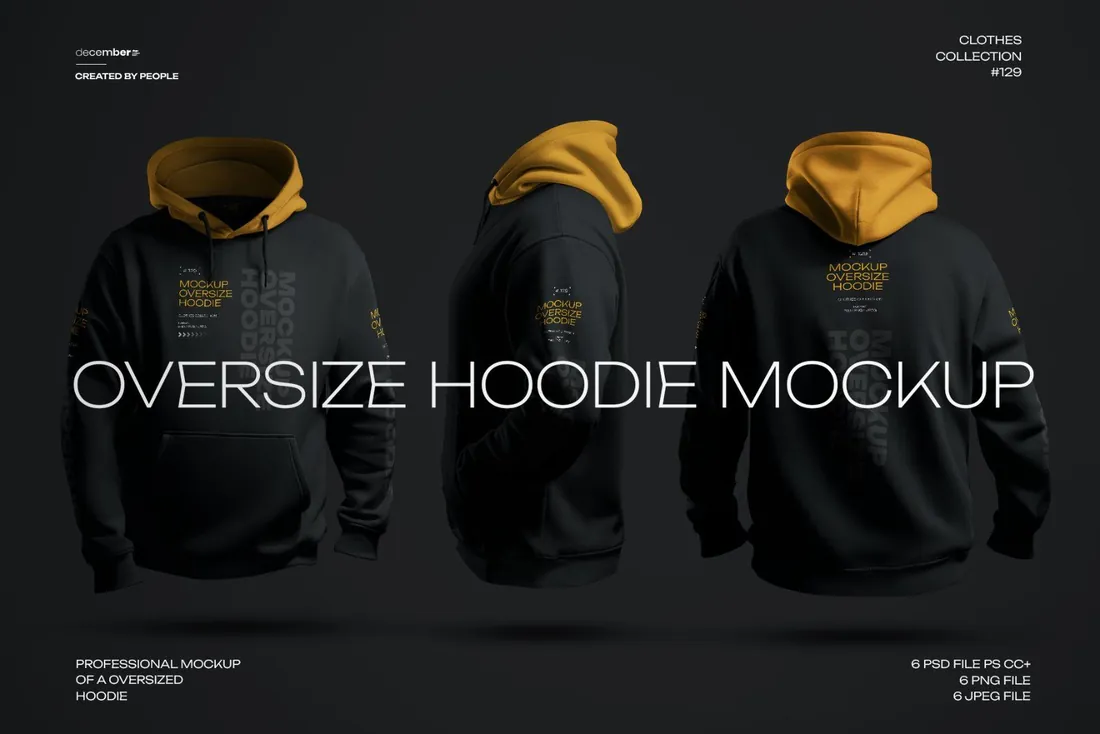
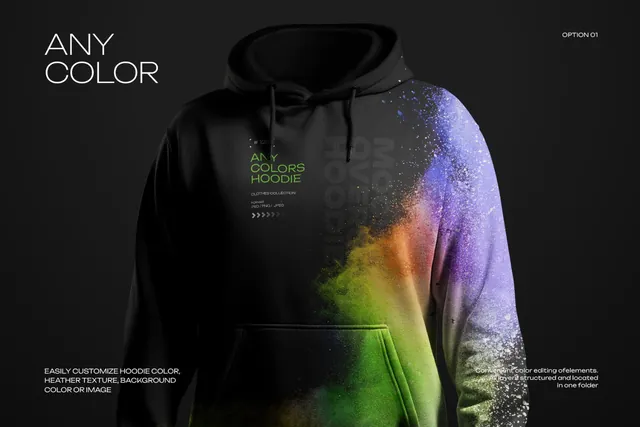
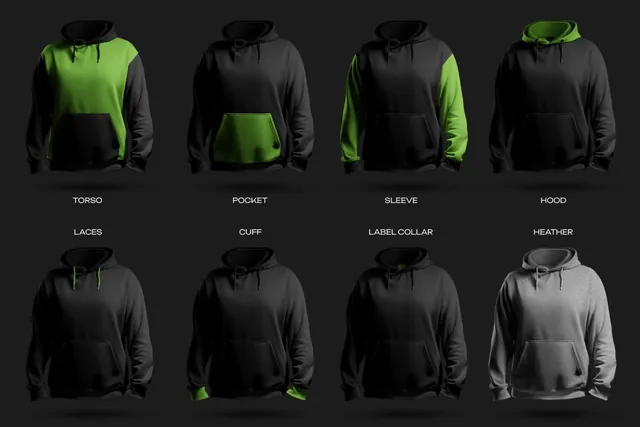
Many streetwear brands open pre-orders or poll their followers on colorways before they order stock. Renders like these let you do that on day one: show the hoodie from the front and back in the colors you are considering, and let the orders decide what goes to production.
- Best for: showing a drop before the first samples arrive.
- In the file: 6 PSD, 6 PNG and 6 JPEG files, 4250 x 4250 px, 300 dpi, any hoodie color, optional heather texture.
- Tip: Test every graphic on both a dark and a light hoodie. A print that works on both gives you two colorways from one design.
Where to download

2. Hoodie Basic-Oversized Mockup
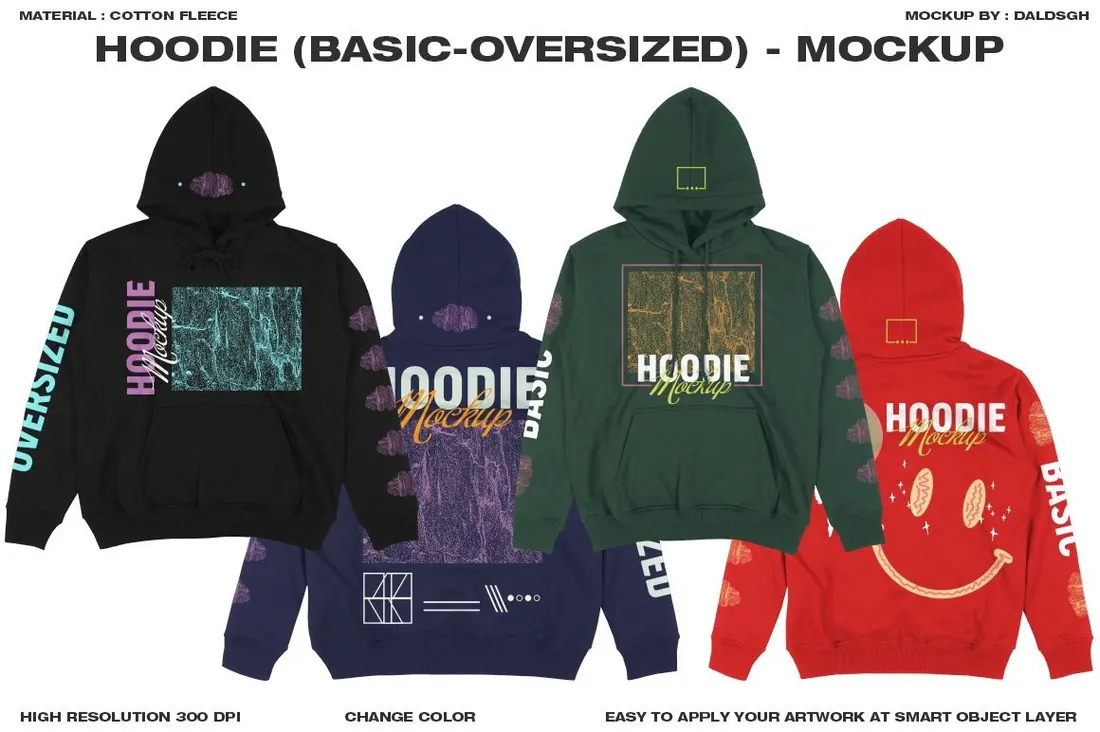
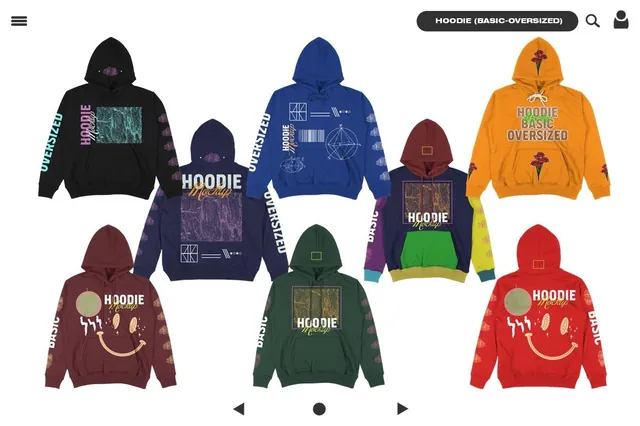
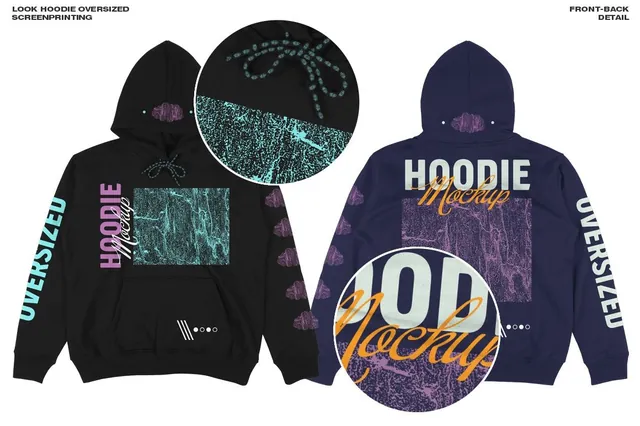
Oversized is the cut streetwear sells, and a graphic sized for a regular fit can look lost on it. Check the scale here first, then line up front and back views in several colors as a range sheet for a print shop, a wholesale buyer or your own launch plan.
- Best for: checking print scale on an oversized cut and planning a color range.
- In the file: 2 front and 2 back views, 4136 x 4000 px, 300 dpi, changeable colors, Smart Object.
- Tip: An oversized hoodie has room for a big back print: try the graphic across the full width between the shoulder seams.
Where to download
Hoodies on models: zip ups, women and lifestyle
3. Men's Zip Hoodie Mockups
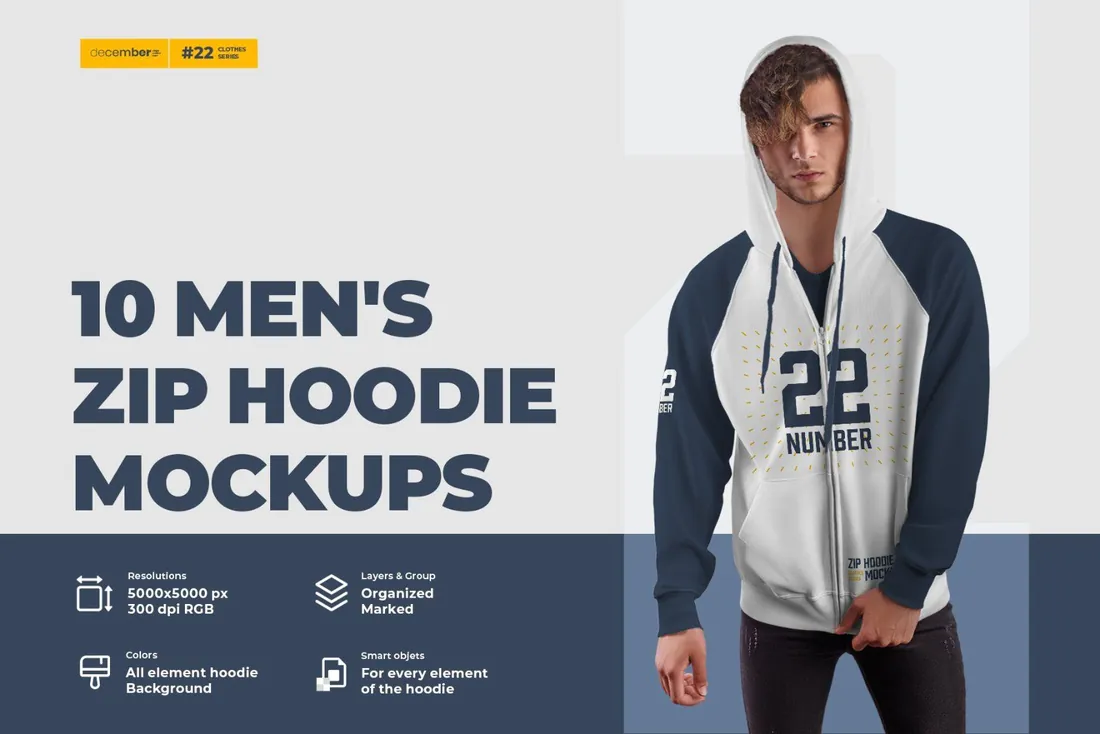
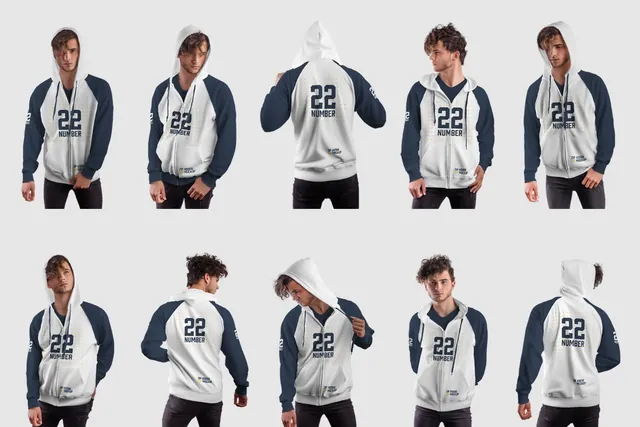
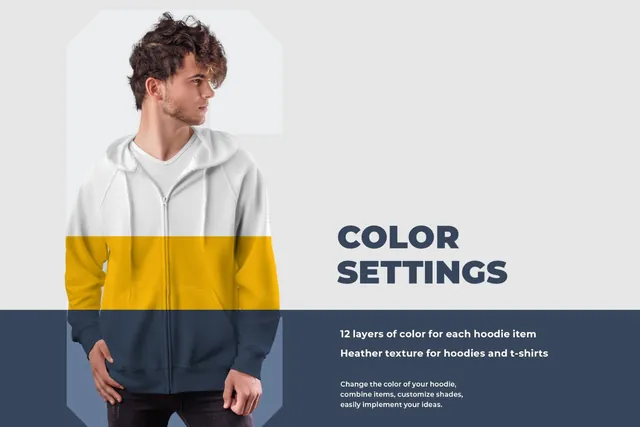
A zipper splits the chest, so a centered logo gets cut in half. Separate Smart Objects for the torso, hood, sleeves and pocket let you try the layouts that work on a zip up hoodie: a small left-chest logo with a big back print, or a sleeve print. That is exactly what a sports club, a school team or a company ordering staff hoodies needs to approve.
- Best for: team, club and staff hoodies with a zip.
- In the file: 10 PSD, 10 PNG and 10 JPEG files, 5000 x 5000 px, 300 dpi, 7 Smart Objects: torso, hood, sleeves, pocket.
- Tip: On a zip up hoodie, keep the chest logo to one side of the zipper and move the main graphic to the back.
Where to download
4. Hoodie on the Man Mockups, Urban Style
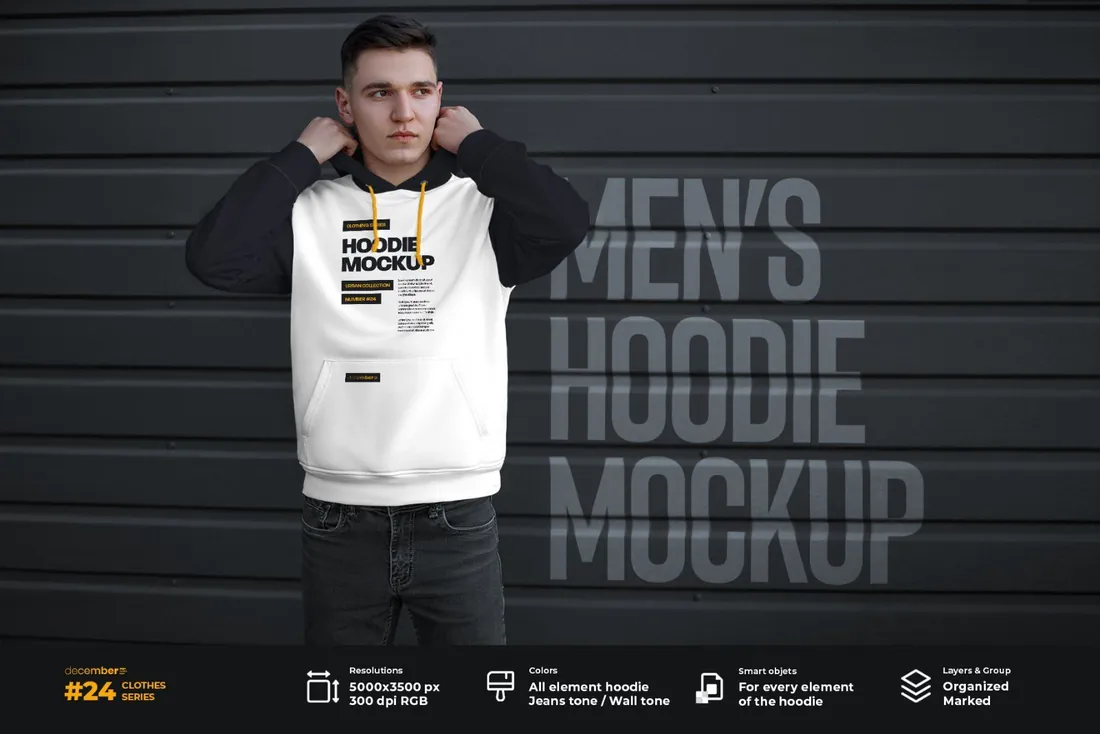
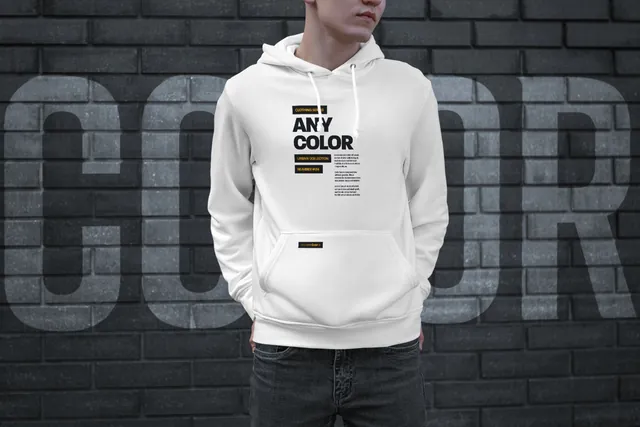
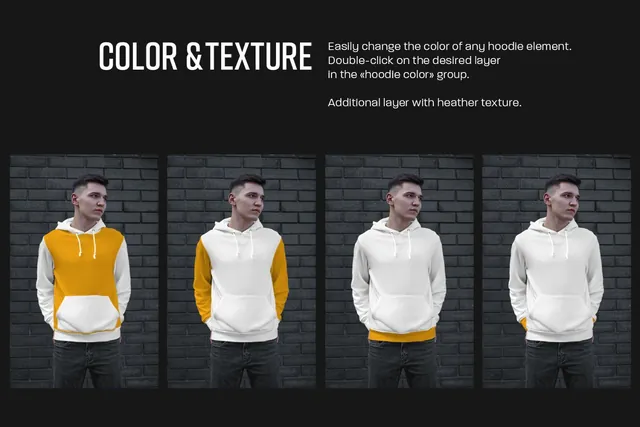
You can retone the background and the pants as well as the hoodie, so every image can be matched to your brand palette. Use it for every product in a drop and the shop page and Instagram grid look like one planned shoot rather than a set of random photos.
- Best for: a product feed that looks like one photo shoot.
- In the file: 7 PSD and 7 JPEG files, 5000 x 3500 px, 300 dpi, recolor the hoodie, the background and the pants.
- Tip: Pick one background tone per collection and keep it for every item in that drop.
Where to download
5. Woman Hoodie Mockups
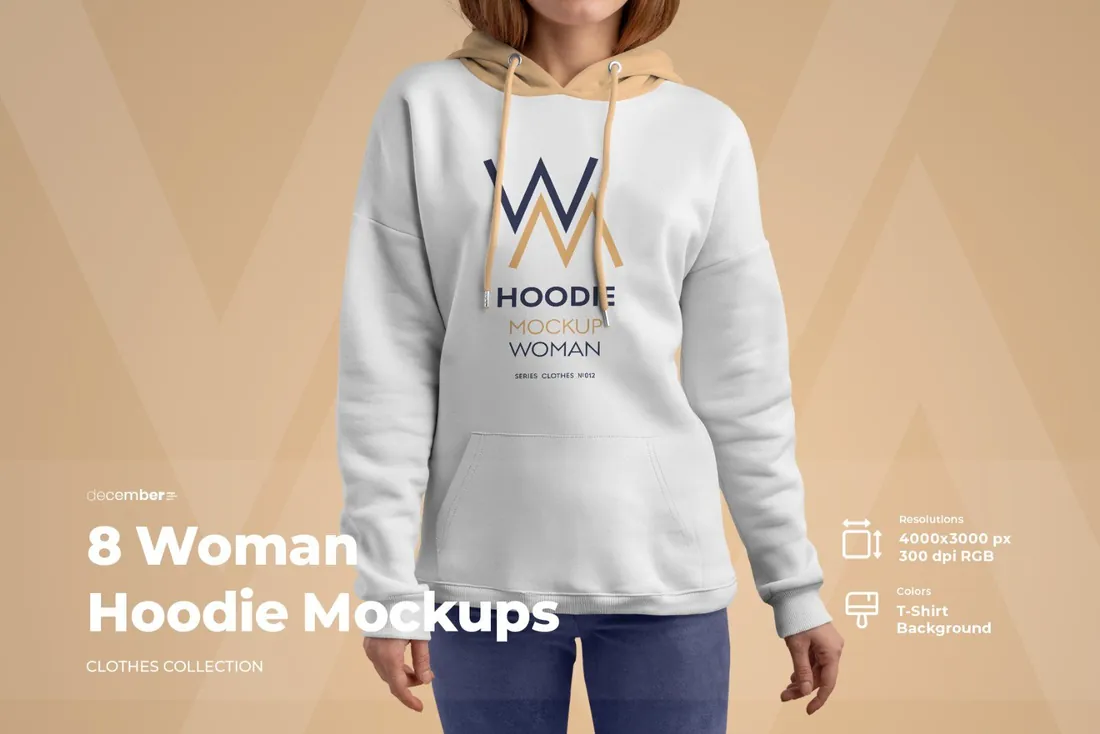
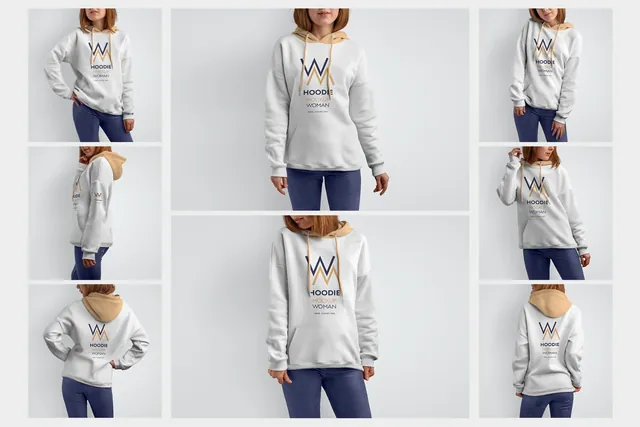
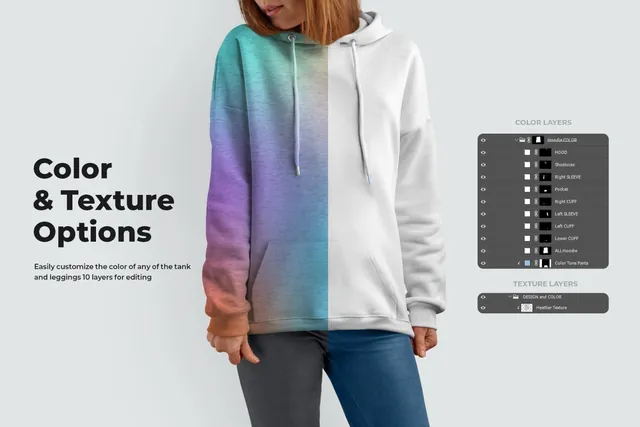
A unisex hoodie shown only on a man reads as menswear, and part of the audience scrolls past. Add these shots to the same listing and the design speaks to women as well; they also give you separate images for a women's collection page or a gift guide post.
- Best for: selling a unisex design to women too.
- In the file: 8 PSD, 8 PNG and 8 JPEG files, 4000 x 4000 px, 300 dpi, heather texture, any background color.
- Tip: Check the print on pastel and heather grey hoodies too; on a woman's frame those colors often sell better than black.
Where to download
6. African Men Hoodie Mockup Set
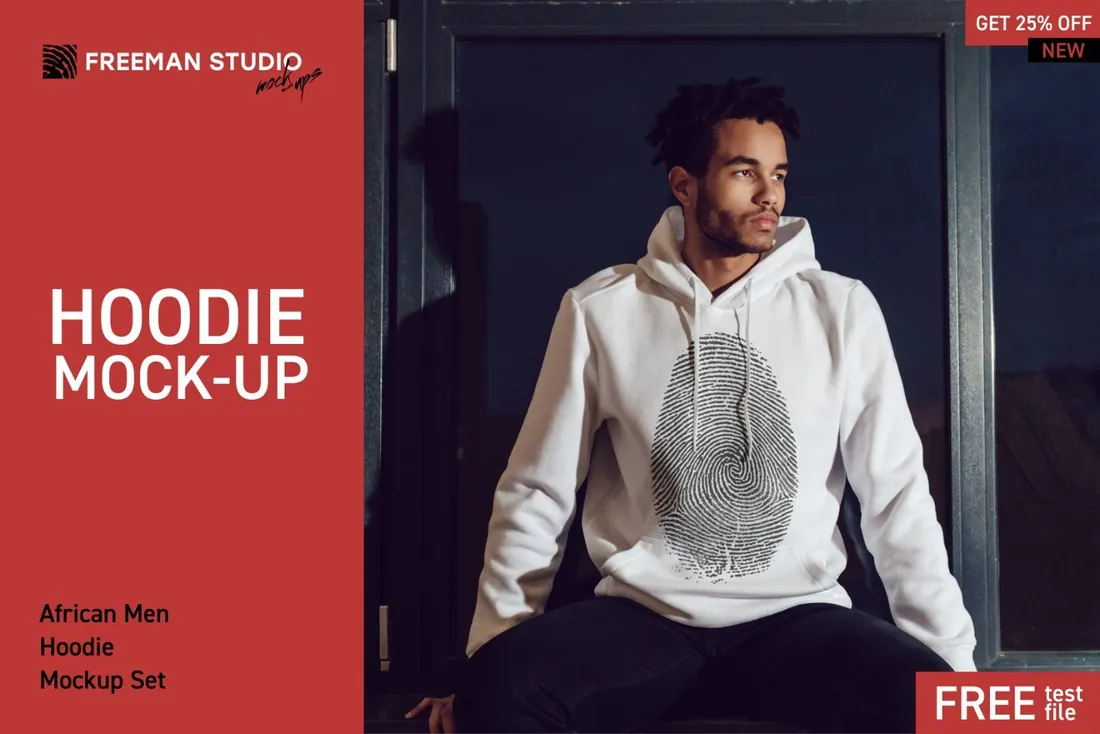
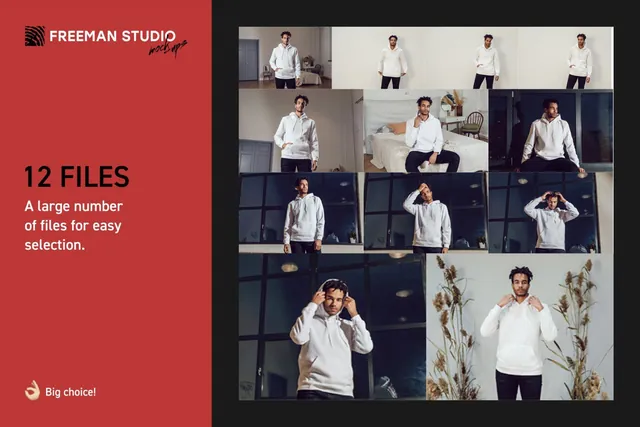
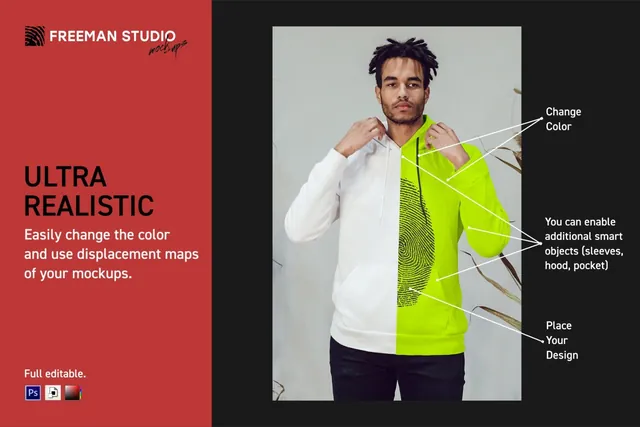
Twelve frames of the same model give you enough images for a full launch: a wide hero for the website, product photos, and close crops for stories and ads. Displacement maps bend the print into the folds, which matters for detailed artwork such as photo prints and fine illustrations.
- Best for: a whole launch campaign from one set of images.
- In the file: 12 template files, 5000 x 3333 px, displacement maps, changeable color, help file.
- Tip: Use the close crops for stories and the wide frames for banners, so the campaign does not repeat the same picture.
Where to download
Back print hoodie mockups in streetwear scenes
7. Sunset Hoodie Mockup, Back View
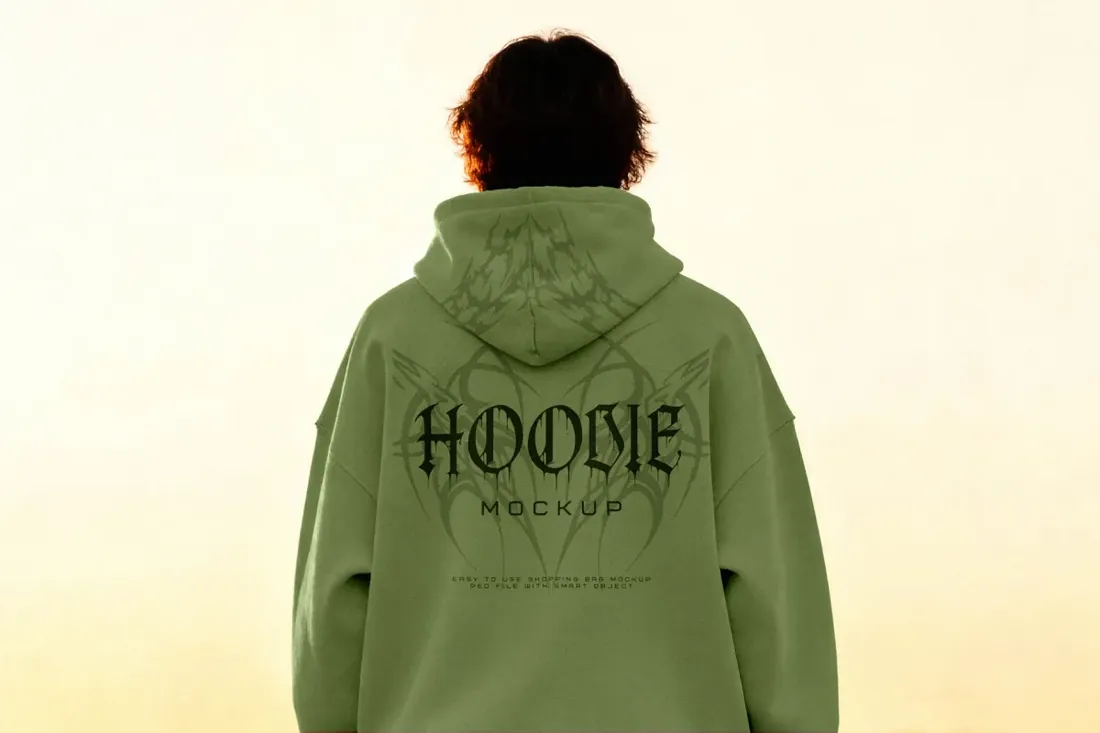
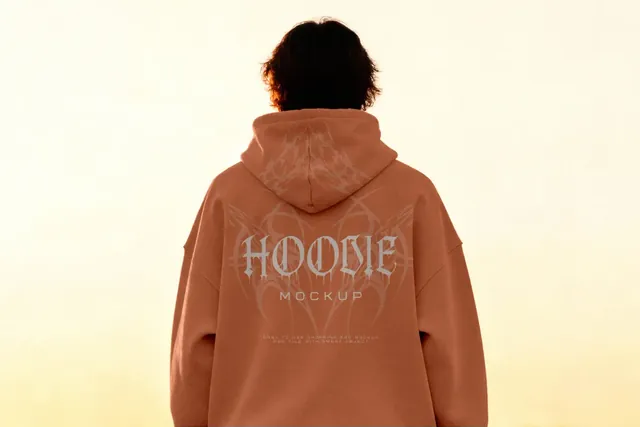
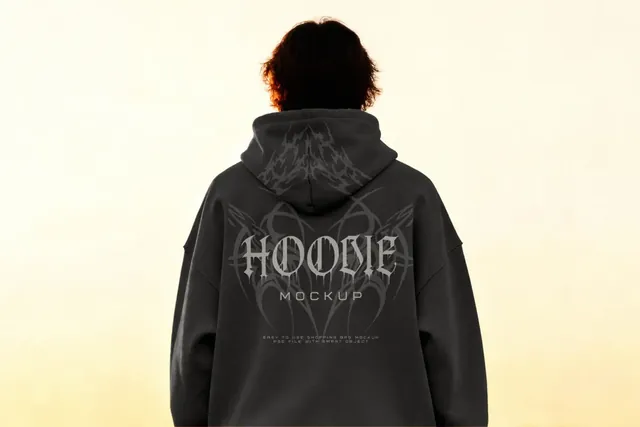
Back prints sell streetwear, but most product photos show the front. Shot from behind with the hood up, this frame turns the back of the hoodie into a poster, which makes it the natural image for a drop announcement, an album merch launch or a band's tour hoodie.
- Best for: announcing a drop built around a back print.
- In the file: 4500 x 3000 px, 300 dpi, Smart Object, Photoshop PSD.
- Tip: With the hood up, the top of the back is covered: keep the graphic below the shoulder line.
Where to download

8. Streetwear Hoodie Mockup on an Escalator
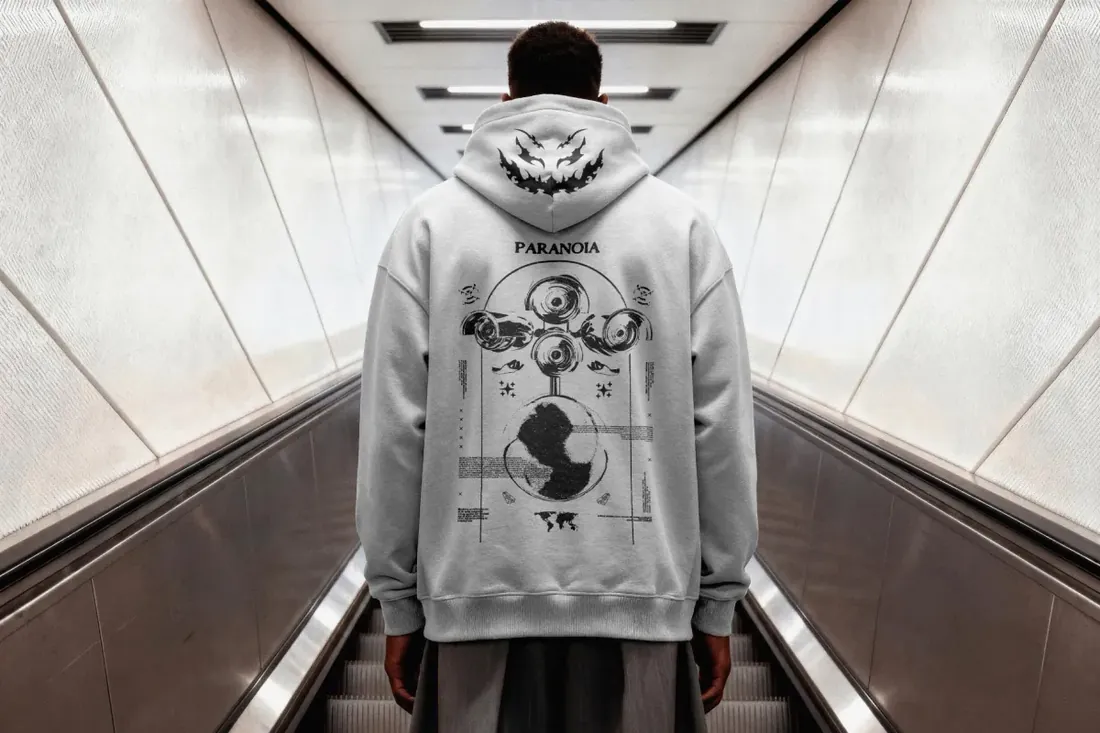
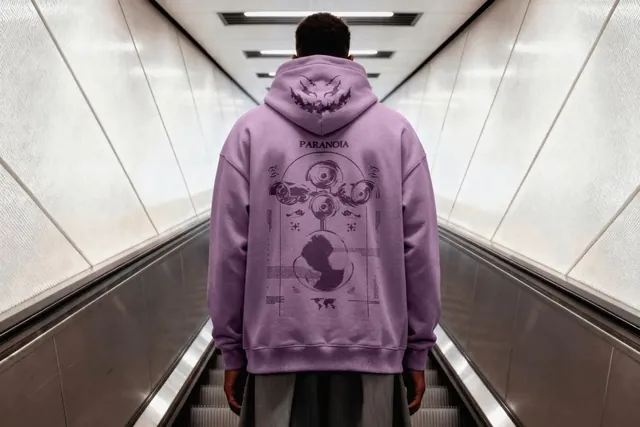
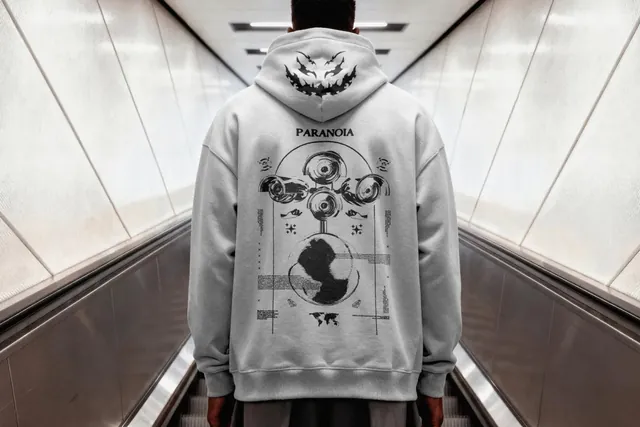
Few mockups show a print on the hood, and here it sits right above the back graphic. Use it to sell a two-part design to a client, such as a small mark on the hood and the main artwork below, or to present city-themed merch where the subway setting fits the story.
- Best for: pitching a print on the hood as well as the back.
- In the file: 4500 x 3000 px, 300 dpi, Smart Object, Photoshop PSD.
- Tip: Split the artwork: a small symbol or word on the hood, the main graphic on the back.
Where to download
Sweatshirt mockups
9. Sweatshirt Various Mockup
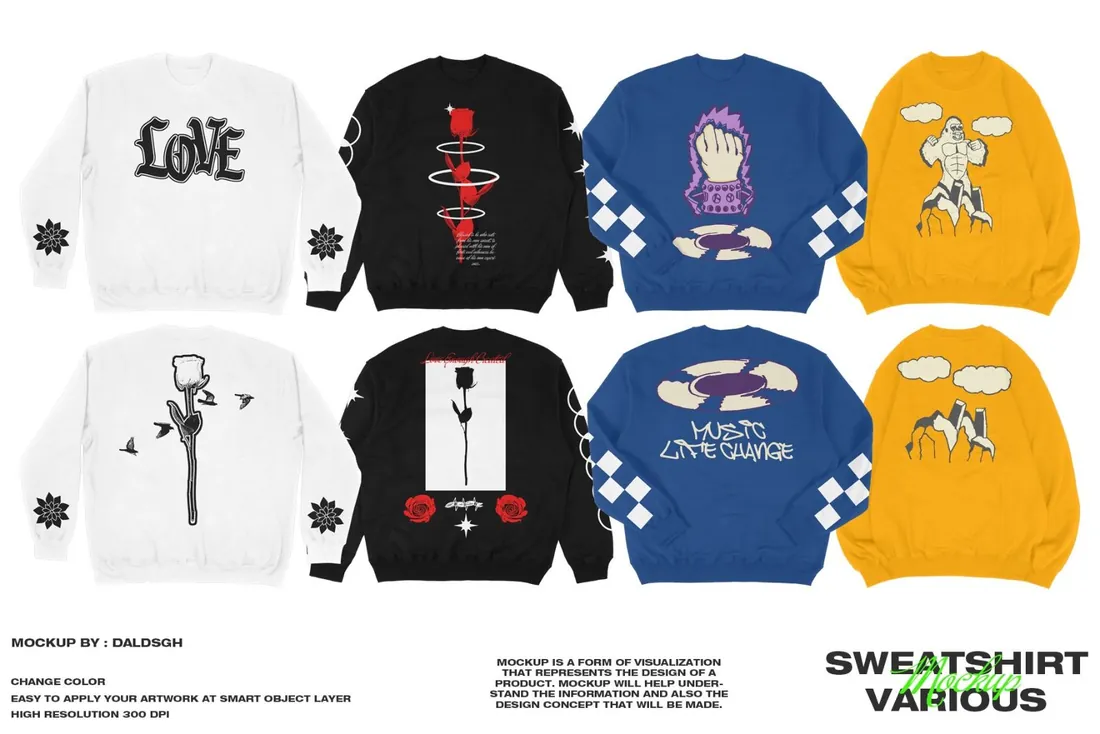
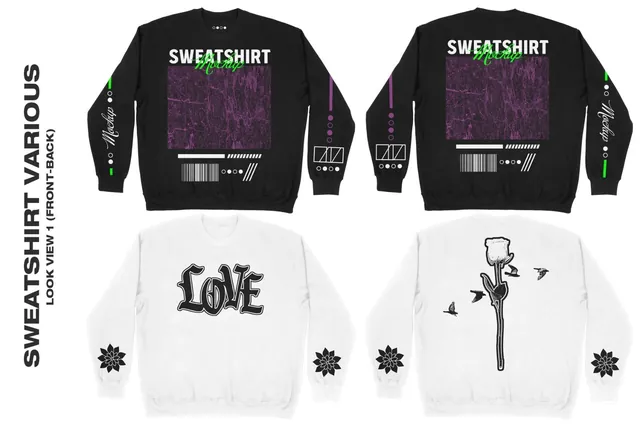
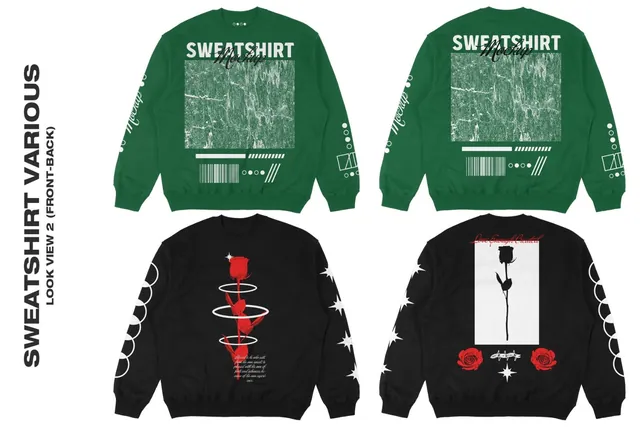
A crewneck has no hood, strings or pocket to work around, so the whole chest and both sleeves are free for print. Plan a sweatshirt next to the hoodie with the same graphic and the drop gets a second, lighter piece for customers who don't wear hoods.
- Best for: adding a crewneck next to the hoodie in a collection.
- In the file: 4 front and 4 back views, 4320 x 4000 px, 300 dpi, changeable colors, Smart Object.
- Tip: Sleeve prints run along the arm: set the text vertically and keep it to a word or two.
Where to download
10. Sweatshirt Mockup Set
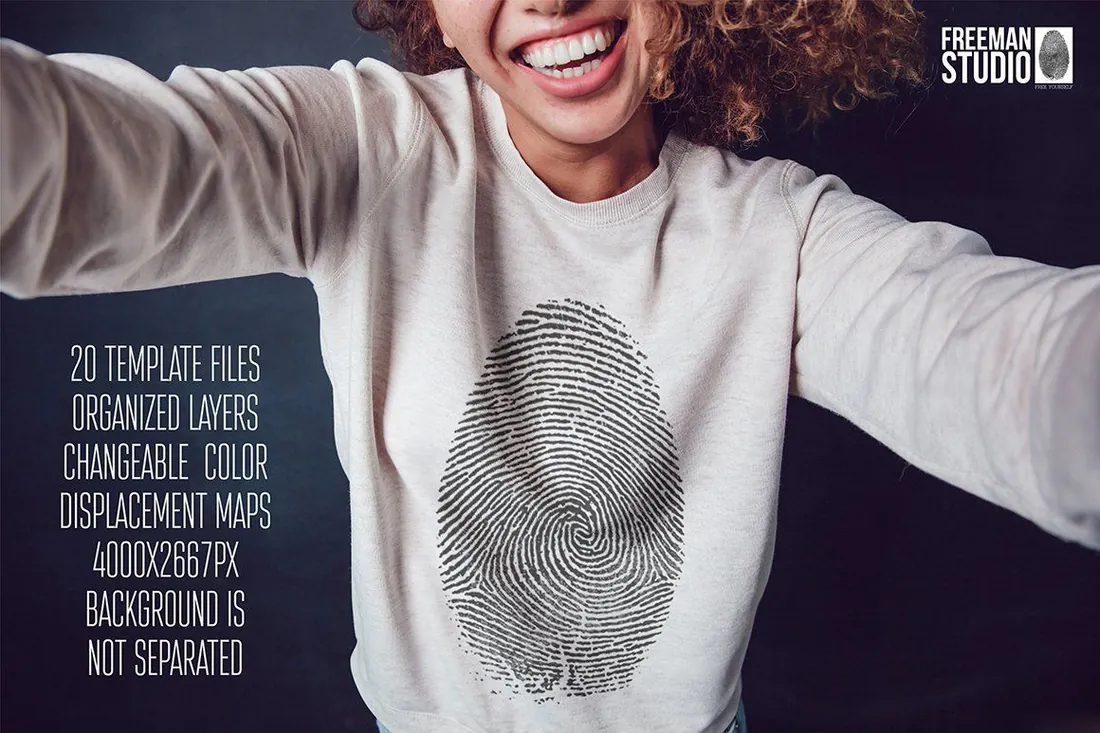
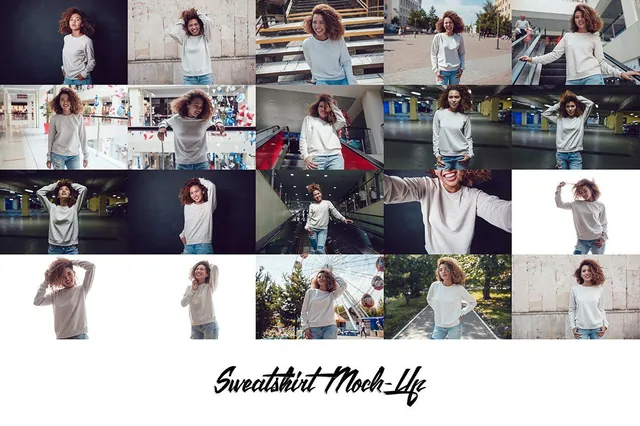
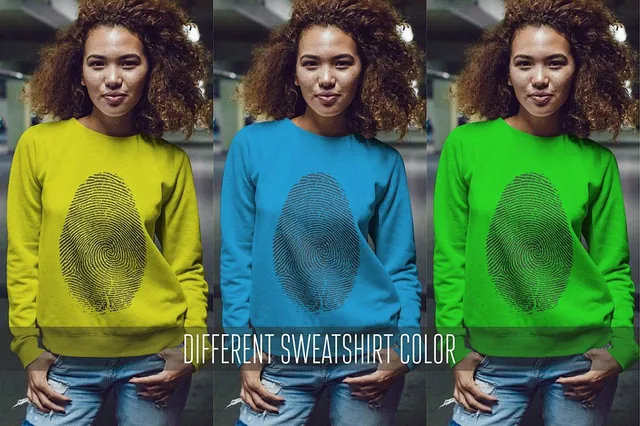
Casual, phone-camera framing looks at home in stories and social ads, where a polished studio shot is easy to scroll past. Twenty frames give you enough variety to test several ads for the same sweatshirt design.
- Best for: social ads that blend into the feed.
- In the file: 20 template files, 4000 x 2667 px, displacement maps; the background is not separated.
- Tip: The background can't be swapped, so pick the frames whose setting fits your brand.
Where to download
Complete the drop: tees and caps
11. Oversized T-Shirt Mockup
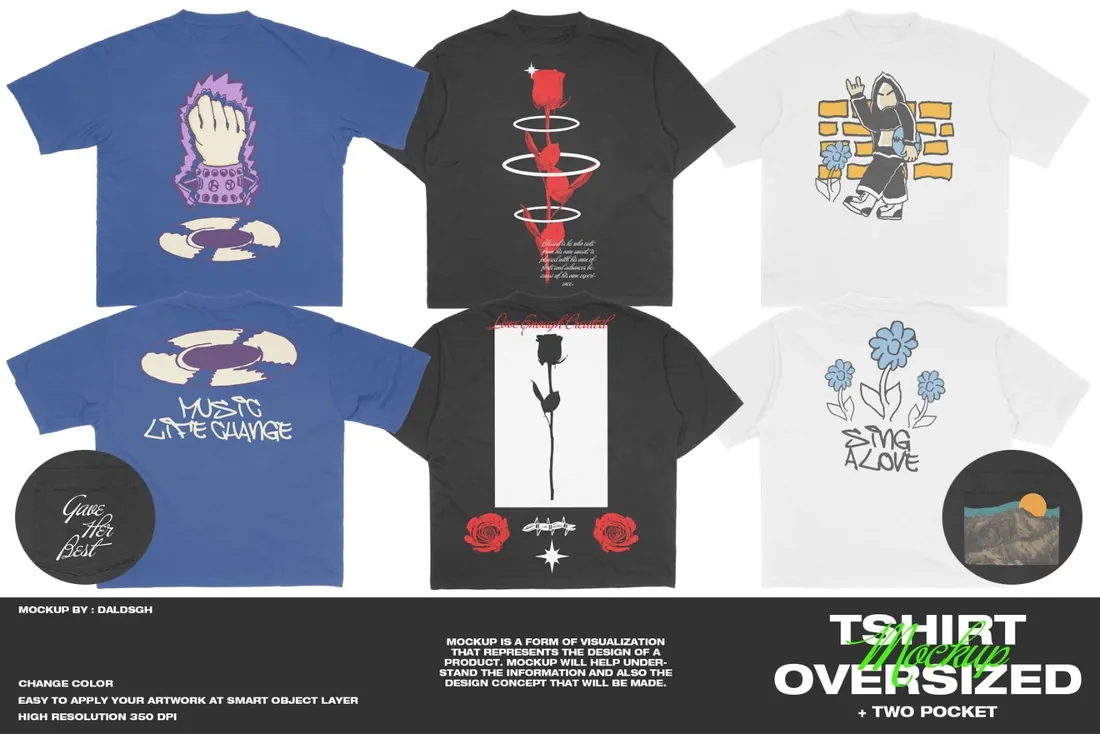
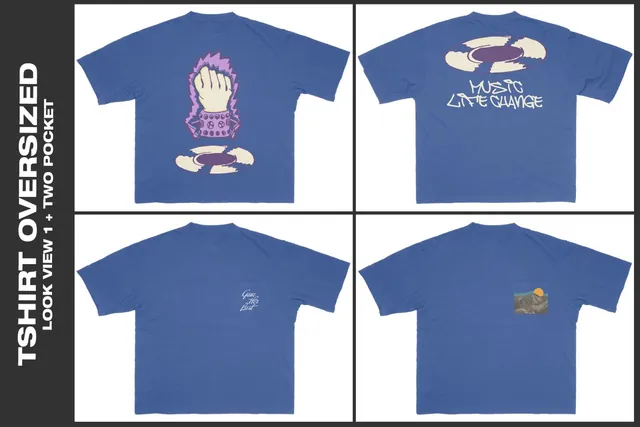
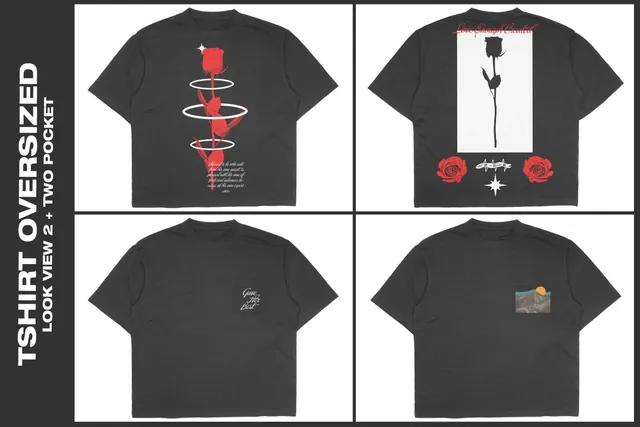
This oversized tee comes from the same creator as the Basic-Oversized hoodie, the Sweatshirt Various mockup and the 5-panel hat in this guide, so the whole collection can be shown in one consistent style. That is what a line sheet for a buyer or a lookbook page needs.
- Best for: a line sheet where tee, hoodie and crewneck match.
- In the file: 3 front and 3 back views, pocket versions, 6542 x 4885 px, 350 dpi, changeable colors, heather grey.
- Tip: Put the tee, hoodie and crewneck side by side in the same color to check the drop works as a set.
Where to download
12. 5-Panel Hat Mockup
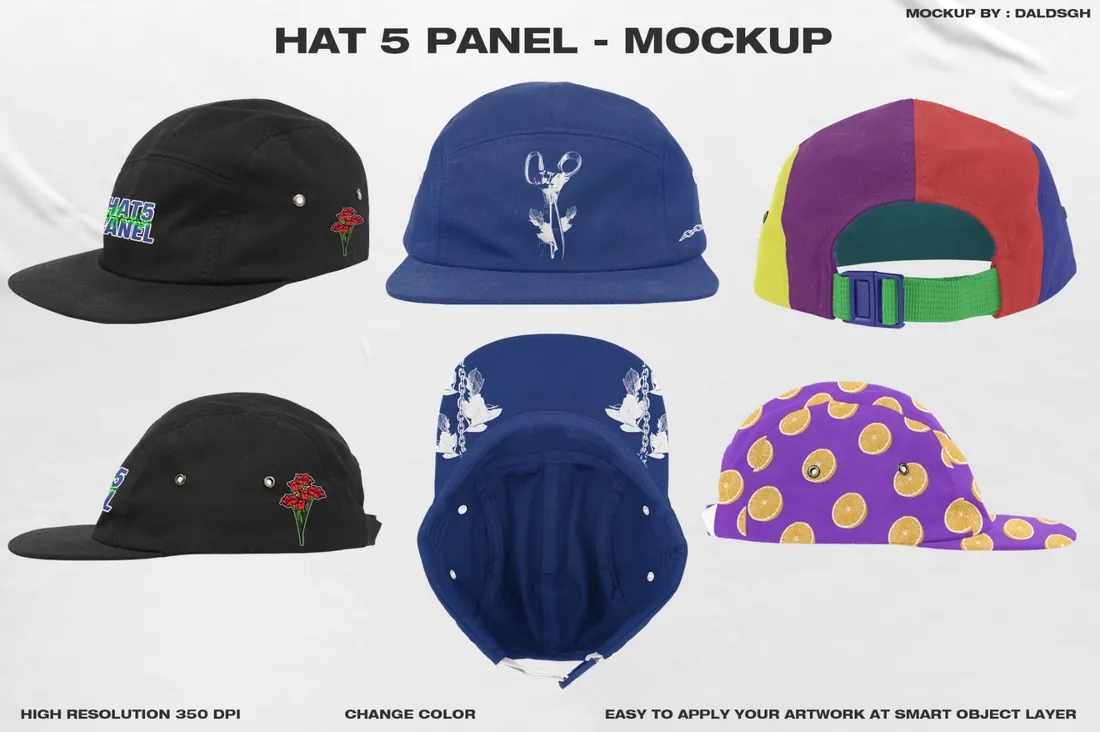
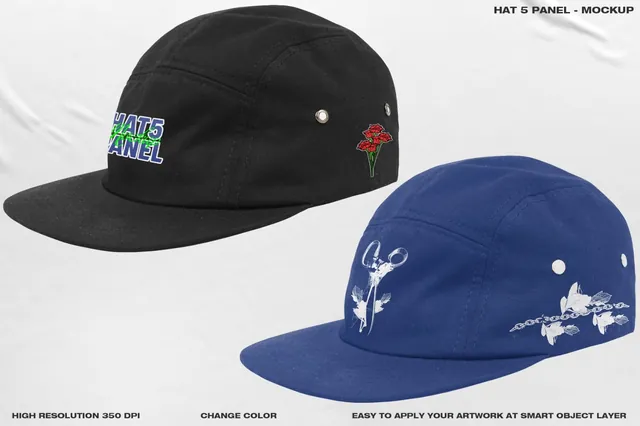
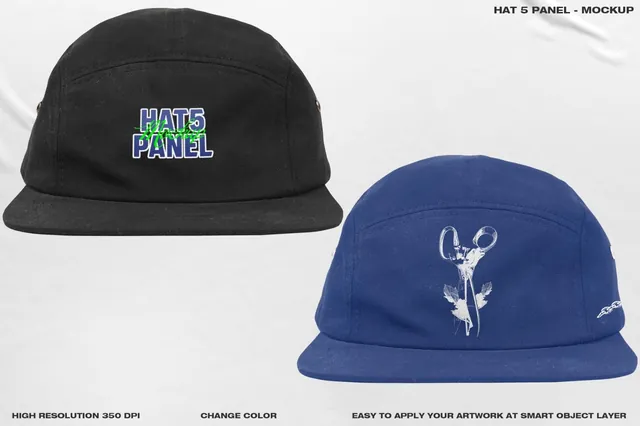
Six angles include the underbrim, a spot for a small hidden print or slogan that customers discover after they buy. It is the kind of detail that gets photographed and shared, and the 5-panel shape is the classic streetwear and skate cap.
- Best for: a cap with a hidden detail under the brim.
- In the file: 6 views: front, angled, back, both sides, underbrim, 350 dpi PSD, cotton twill, changeable colors.
- Tip: Keep the front logo simple: thin lines and tiny text are hard to embroider.
Where to download
13. Oversized T-Shirt and Baseball Cap Mockup Set
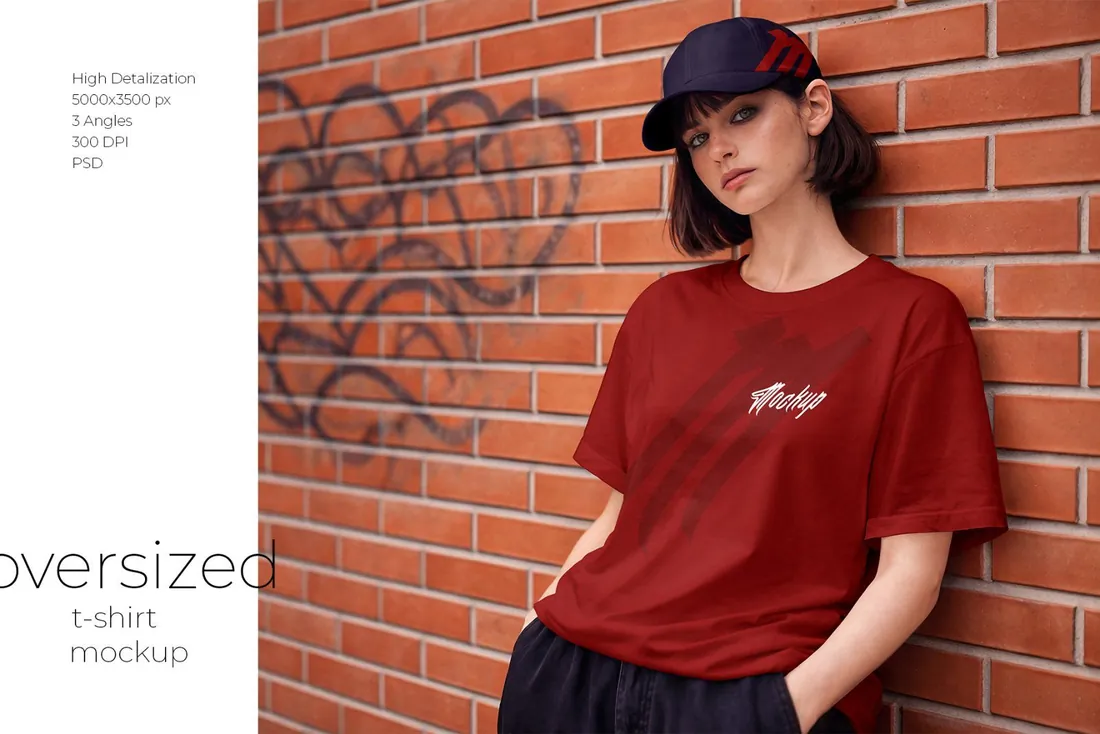
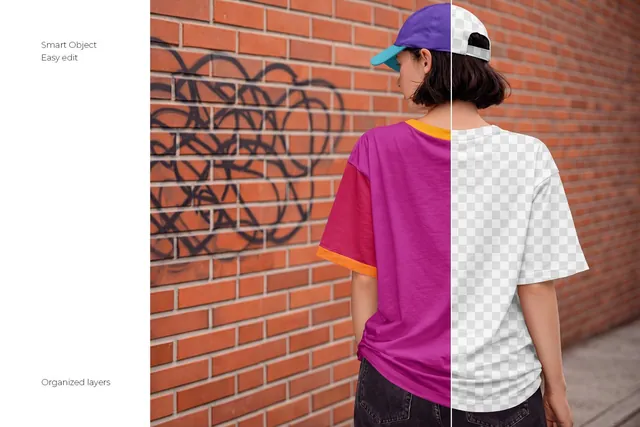
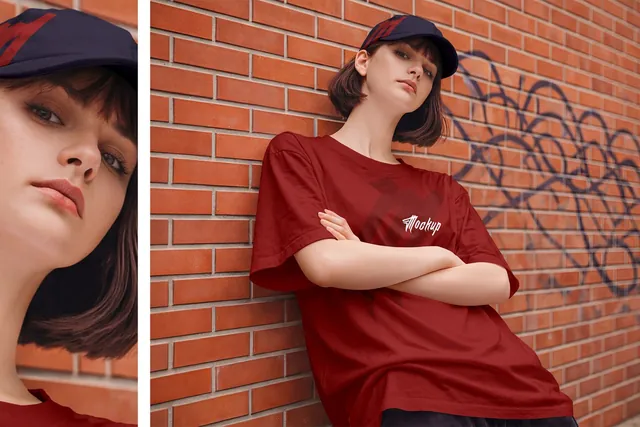
One shot with a tee and a cap sells a look rather than a single item, which makes it the natural image for a bundle offer. The loose tee also shows how a large print behaves on relaxed fabric before you order a run.
- Best for: selling a complete look or a tee and cap bundle.
- In the file: 3 PSD files, 5000 x 3500 px, Smart Objects, help file.
- Tip: Put the full graphic on the tee and only a small mark on the cap; two big logos compete.
Where to download
14. Merchandise Mockup Bundle
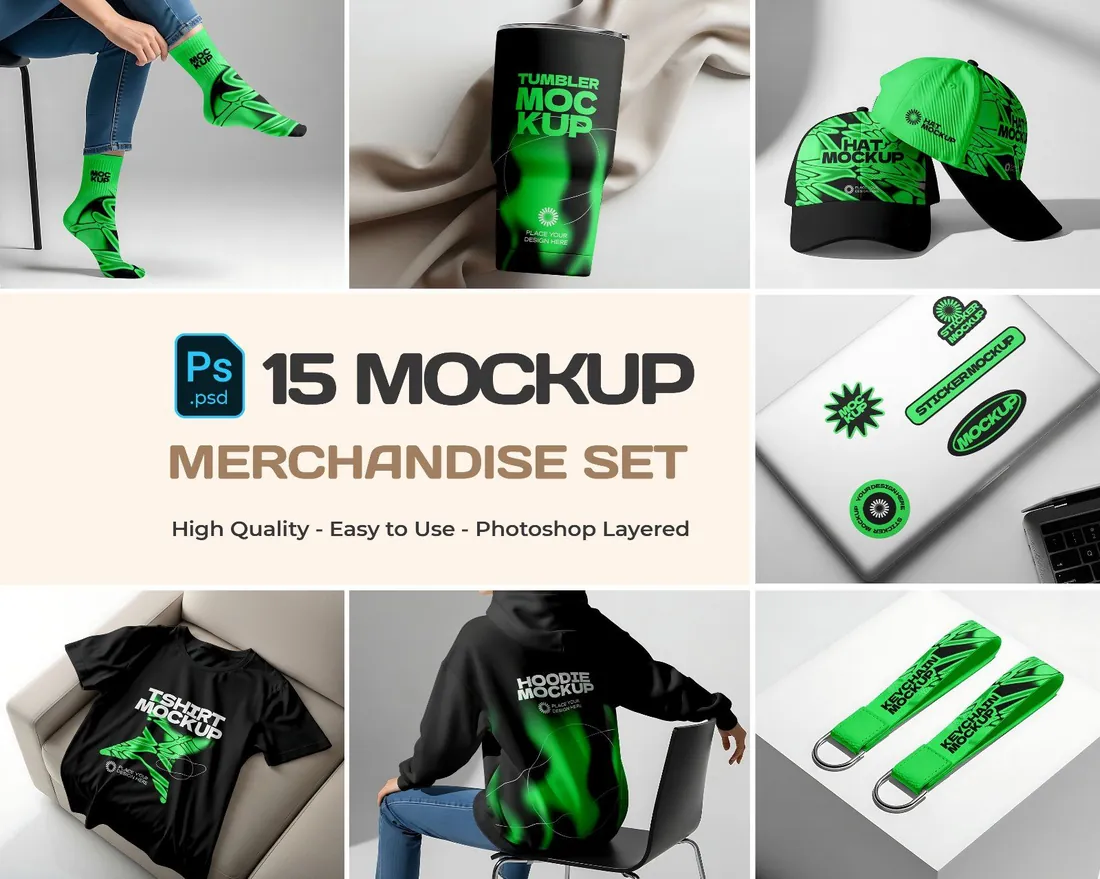
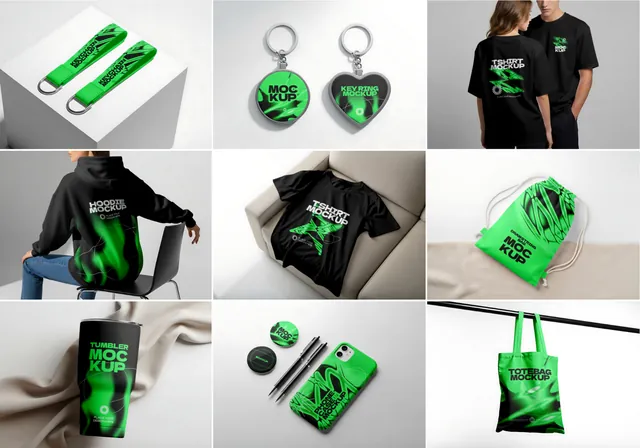
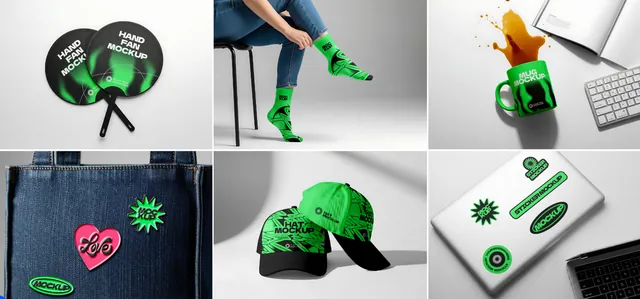
Fifteen scenes cover tees, hoodies, caps, socks, tumblers, stickers and keychains, so one presentation shows a client the whole merch line from the hoodie to the keychain. It is a strong slide for a festival, a podcast or a company event that hasn't decided what to produce yet.
- Best for: pitching a full merch line for a brand, an event or a creator.
- In the file: 15 PSD files with Smart Objects, 15 JPG files, 5000 x 3500 px, PDF help file.
- Tip: Use one color and one logo across all fifteen scenes so the line reads as a single brand.
Where to download
How to build a hoodie listing that sells
- Show the hoodie from the front and the back. Back prints are often the main design, and shoppers want to see both sides.
- Add the hoodie on a person, so buyers can judge the fit and the size of the print.
- Keep one background tone and one style of photo for the whole drop, so the shop page looks like a collection.
- Show the colors you actually sell, and add a close-up of the print or embroidery.
By the numbers
- 50.5%of US online shoppers want at least three to five product photos, front, back and side, before they consider buyingSplashlight consumer survey, Aug 2017
- 65%of US shoppers are more likely to buy an item they can view from all anglesnfinite shopper sentiment report via Retail Dive, Jun 2023
- 26.5%prefer six or more photos, including close-ups and 360-degree viewsSplashlight consumer survey, Aug 2017
Frequently asked questions
What is a hoodie mockup?
A template, usually a layered PSD file, that shows your design on a realistic hoodie. You place the artwork into a Smart Object and the mockup adds the folds, fabric texture and light.
How do I make a hoodie mockup front and back?
Choose a set with front and back views, such as the oversized and basic-oversized hoodies in this guide, and place the front design and the back print into their own Smart Objects.
Where should a logo go on a zip up hoodie?
On one side of the chest, usually the left, so the zipper doesn't cut it. Put a bigger graphic on the back or the sleeve.
Can I use hoodie mockups without Photoshop?
Yes, in most cases. The browser-based editor Photopea opens PSD files and supports Smart Objects.
Which hoodie mockups suit print on demand and Etsy?
Clean front and back views for the main listing photo, plus one or two shots on a model so buyers can see the fit.
What is the difference between a hoodie and a sweatshirt mockup?
A sweatshirt mockup shows a crewneck without a hood or pocket, which leaves the whole chest and both sleeves free for print.
Final thoughts
Start with a front and back view for the shop, add one shot on a person and one back print in the street, and the drop is ready to announce.
Sources
Last checked October 31, 2026.
This guide contains affiliate links. If you buy through them, mockupex may earn a commission at no extra cost to you. Learn more