
Mockup guides
Which mockup to use for a product listing, a client presentation or a social post, and what is inside each file.
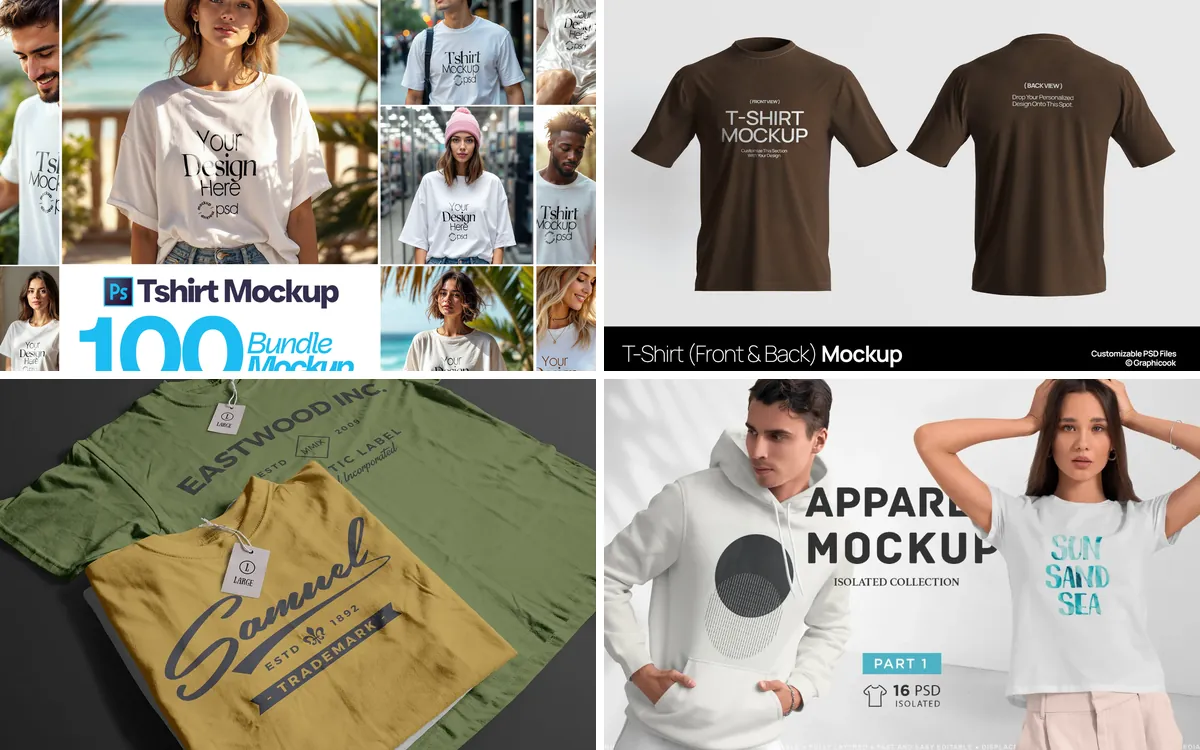
Mockup guide
T-Shirt Mockups for Print on Demand, Merch and Streetwear
Clean shots for your product pages, lifestyle scenes for social, and back-print hoodies for streetwear drops.
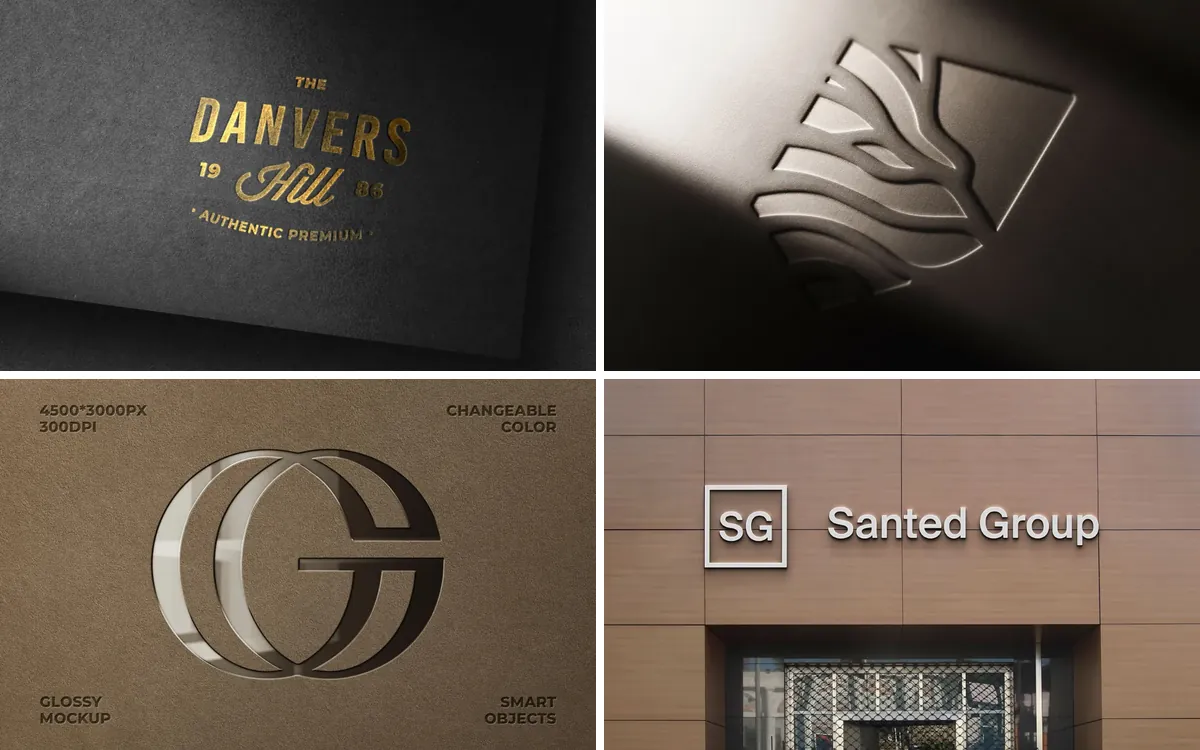
Mockup guide
Logo Mockups for Presenting a Brand Identity
From gold foil on paper to a lit storefront: where to show a logo so the client sees a brand, not just a file.
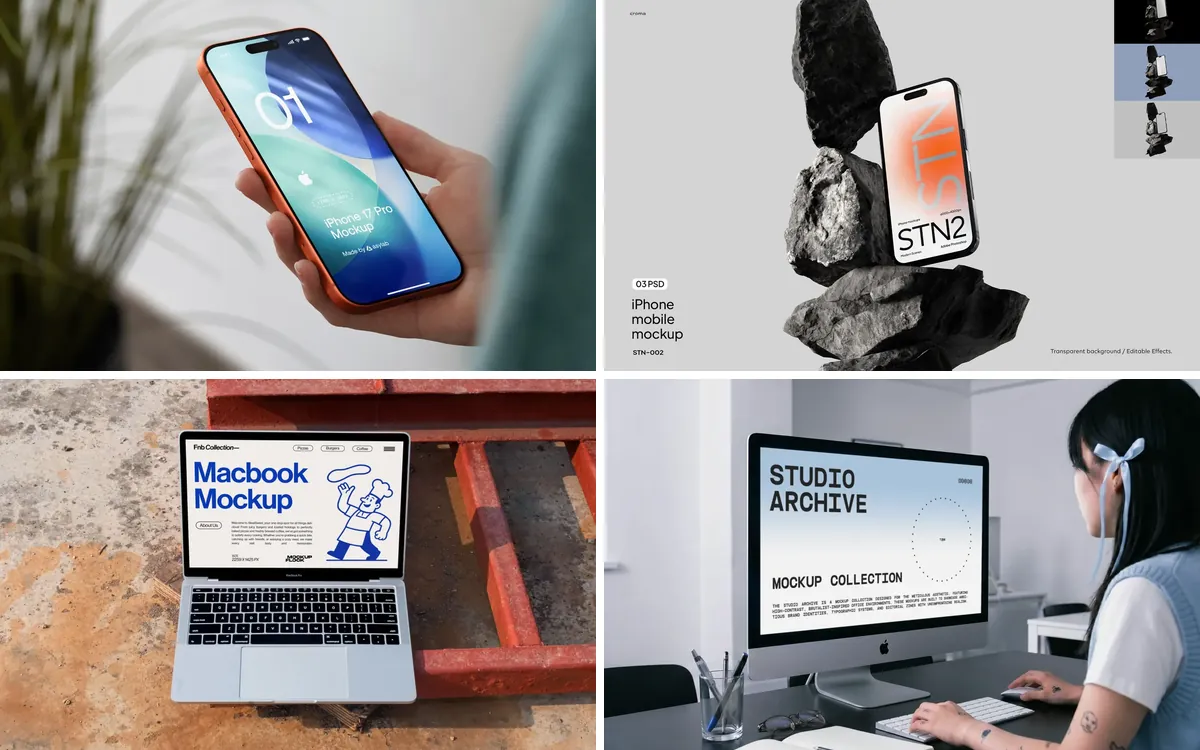
Mockup guide
Device Mockups for Presenting Websites and Apps
Phones, laptops, tablets and a watch: scenes that show a design the way people will actually use it.
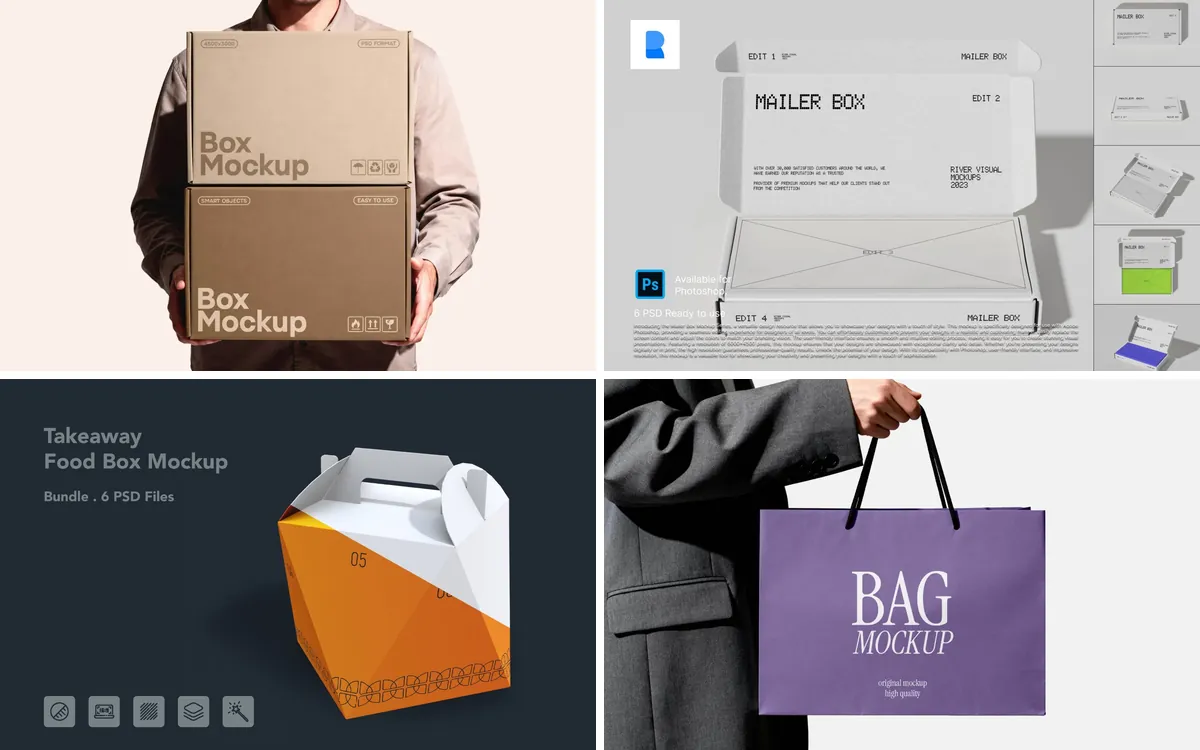
Mockup guide
Packaging Mockups for Boxes, Bags, Cups and Labels
Boxes, shopping bags, cans, coffee cups and jars: where a brand meets the hands of its customers.
Mockup guide
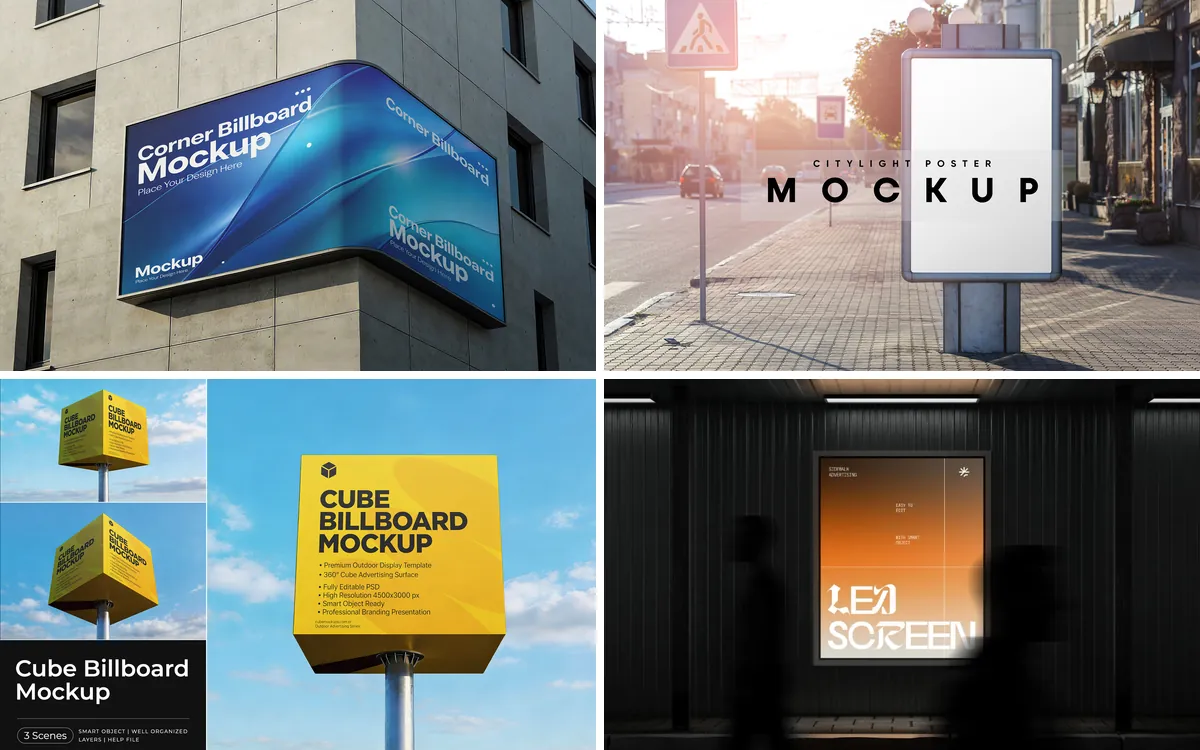
Billboard and Outdoor Advertising Mockups: Corner Screens, Citylights and Street Signs
Roadside boards, a corner screen, a cube on a pole, citylights, bus shelters and street signs: every format a campaign can take.
Mockup guide
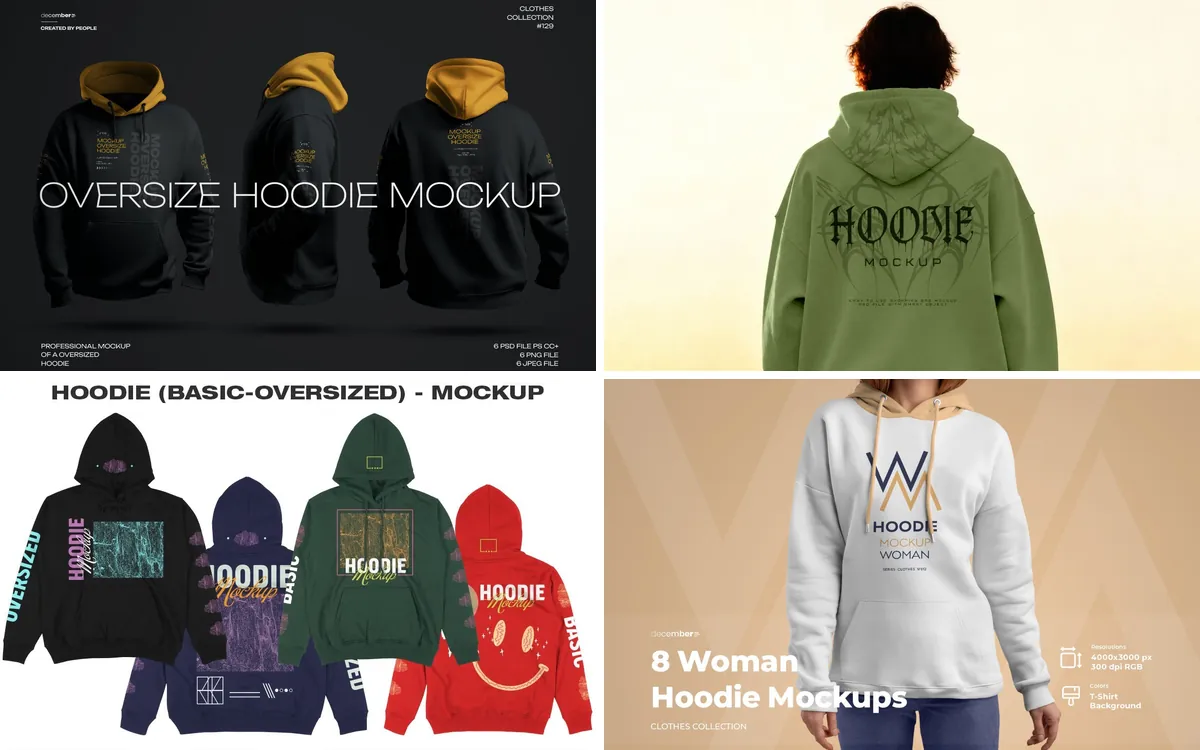
Hoodie Mockups: Oversized, Zip Up, Front and Back Views and Streetwear Scenes
Oversized and 3D hoodies, zip ups, back prints in the street, crewnecks, and the tees and caps that complete a drop.
More mockup categories
How to use a PSD mockup
Read the guide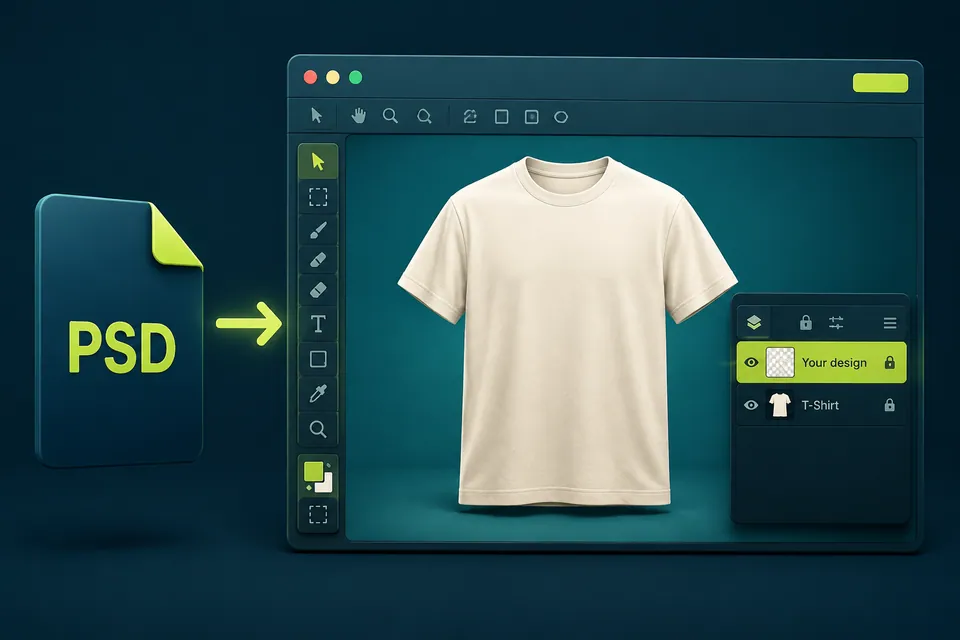
Open the mockup
Download and unzip the product. Open the PSD file in Photoshop and find the Smart Object layer with the placeholder artwork in the Layers panel.
Replace the artwork
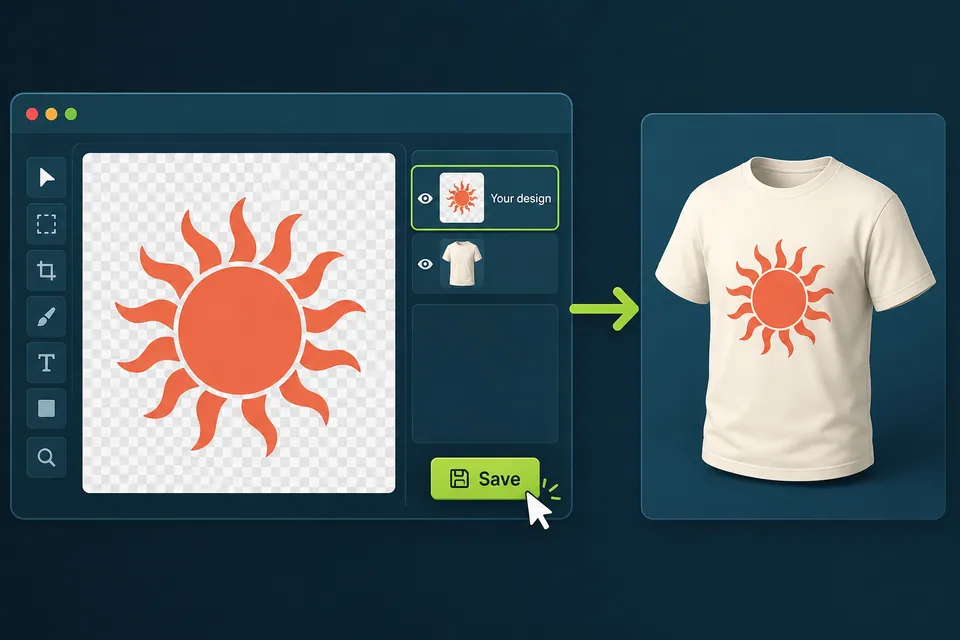
Double-click the Smart Object thumbnail. In the document that opens, delete the placeholder, insert your artwork and scale it to fit. Save and close it.
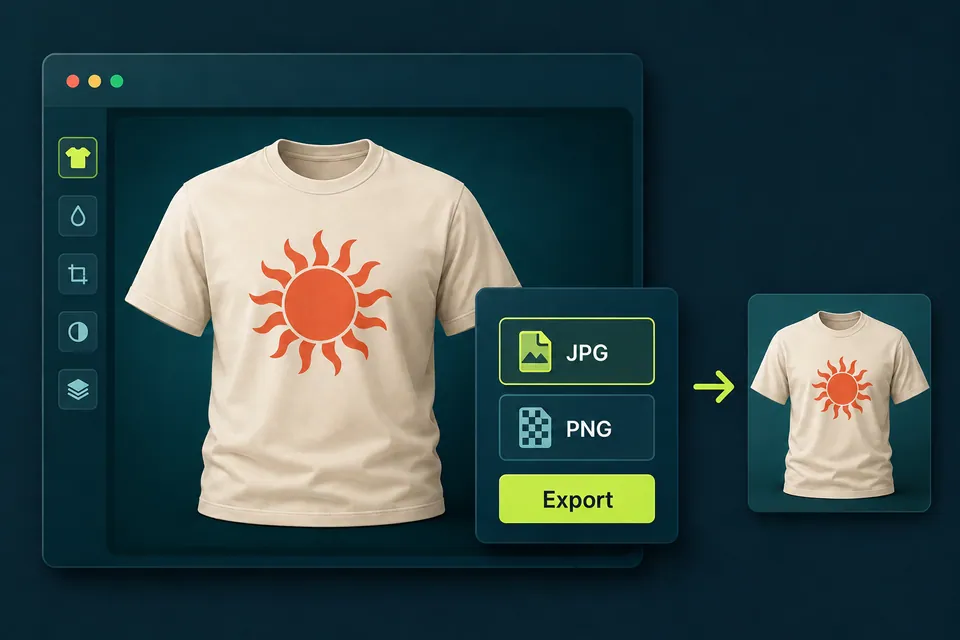
Save and export
Back in the main file, save your working PSD. Then choose File, Export, Export As, pick JPG or PNG and export the finished image.