Canva's font menu is the same for everyone who opens it, and over the years a handful of its fonts have become the visual signature of a whole generation of Instagram posts, carousels and story covers.
This guide is about fonts from outside that menu: display fonts their designers list as Canva-ready, picked for the small screens most of these designs end up on.
The short version
- Grofler Piscaro Font: fashion and lifestyle brands
- Affigue Font: beauty, skincare and wellness accounts
- Nicko Font: playful brands that still want to look polished
- Billguva Font: bold, editorial-style graphics
- Nerova Font: minimal, high-end feeds
- Barni Font: retro food, drinks and merch
- Morica Font: compact, attention-grabbing titles
In this guide
1. Grofler Piscaro Font
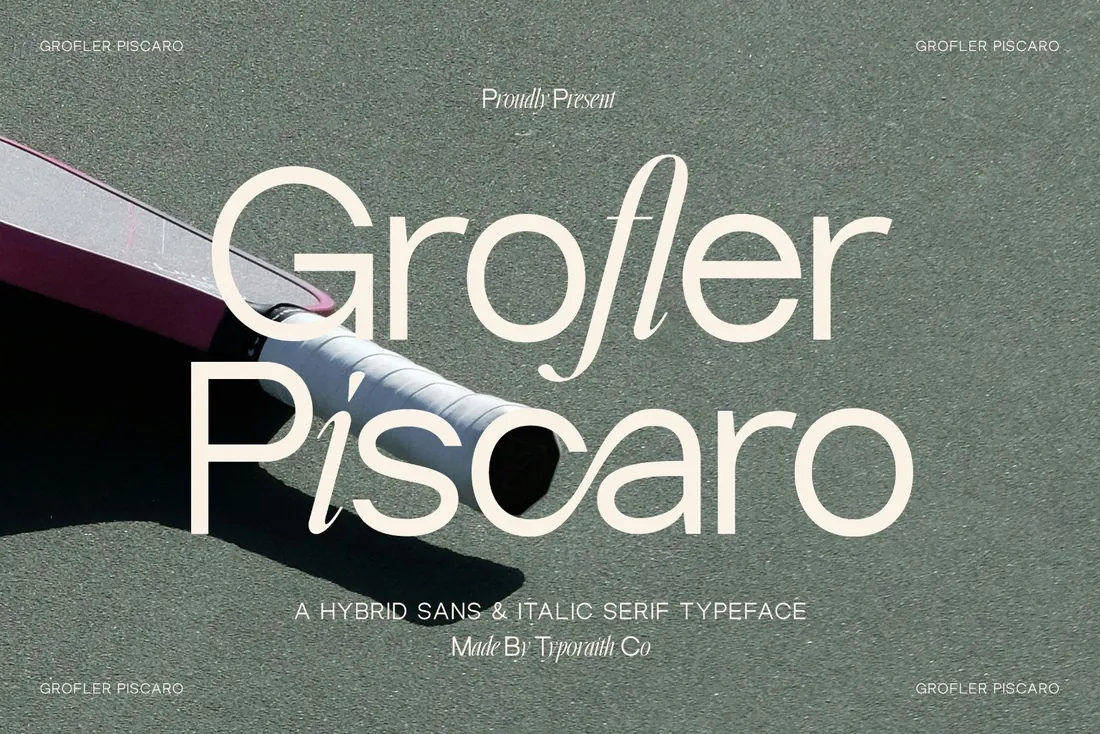
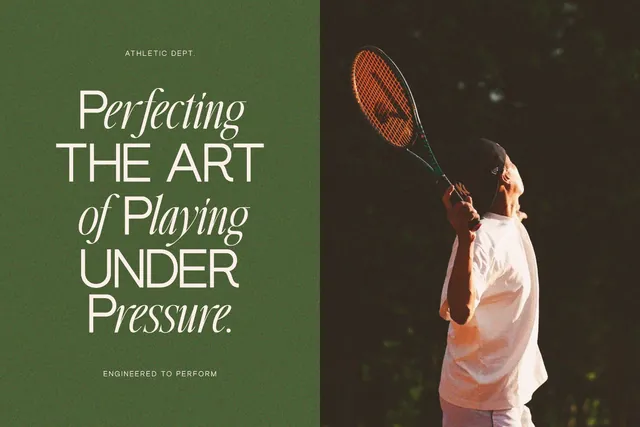
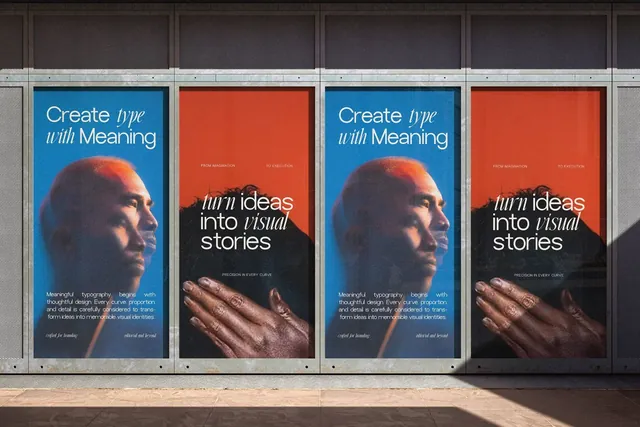
Grofler Piscaro mixes two styles in one family: clean geometric sans letters and a flowing italic serif. Set a headline that switches between them mid-word and it looks art-directed, even on a plain background. That makes it a strong choice for brands that post a lot of text-only graphics, like quotes, announcements and carousel covers, because the font itself carries the design.
- Best for: fashion and lifestyle brands.
- Pair it with: Affigue or a neutral sans for captions and small text.
- Tip: Keep it to short headlines. The style switch is the point, and it reads best when there's room around it.
Where to download


2. Affigue Font
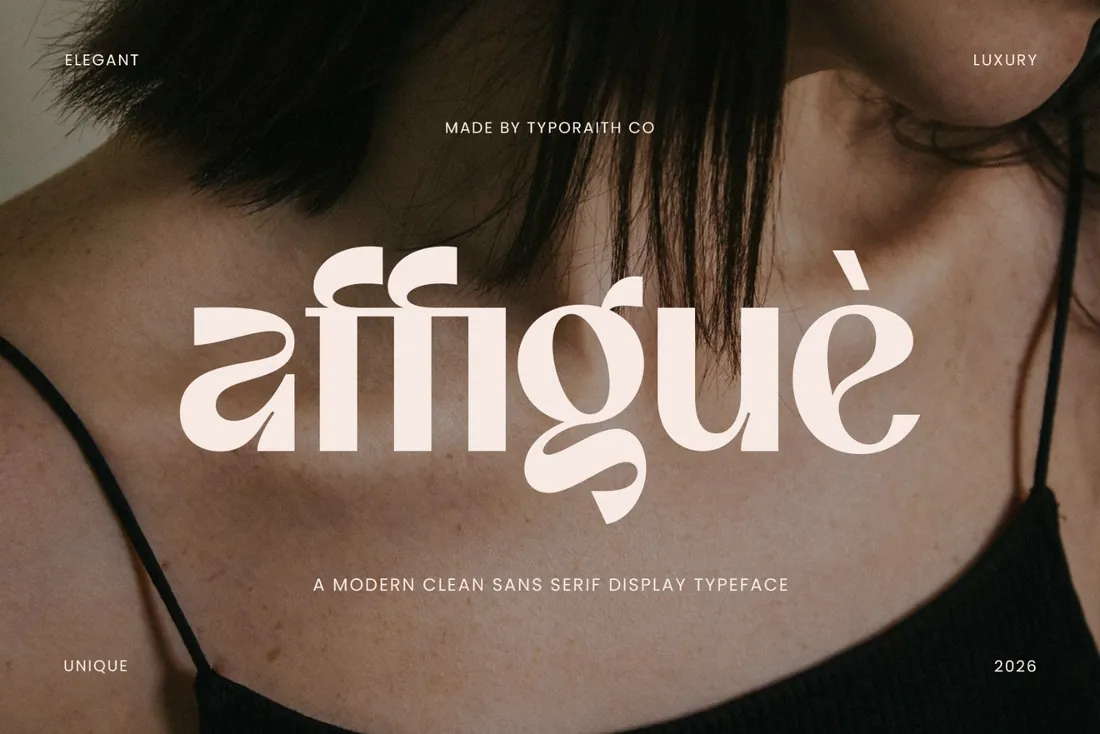
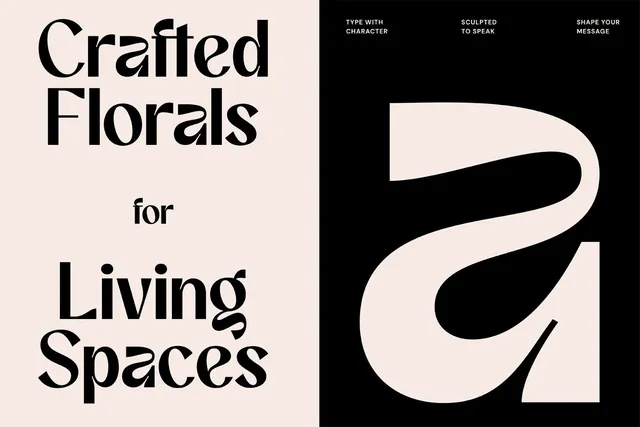
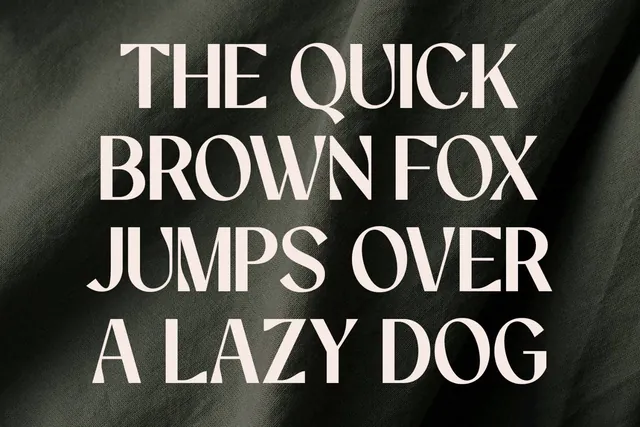
Affigue is a soft display sans with smooth curves and a few unexpected letter shapes. It feels calm and premium rather than corporate, which is why it suits beauty and wellness brands. In Canva it works well for story covers and product launch posts, where you want one or two words to feel polished without adding graphics.
- Best for: beauty, skincare and wellness accounts.
- Pair it with: Grofler Piscaro for a fashion-editorial mix, or a light serif for body text.
- Tip: Give it generous letter spacing in all-caps subtitles; it opens up beautifully.
Where to download
3. Nicko Font
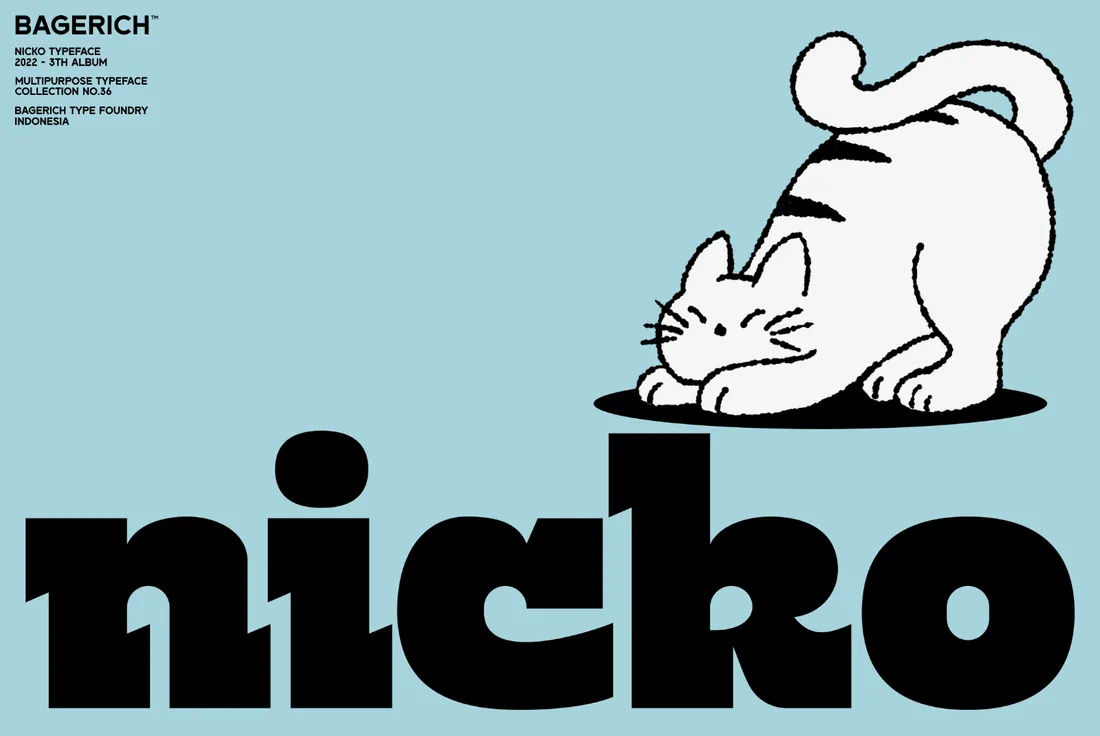
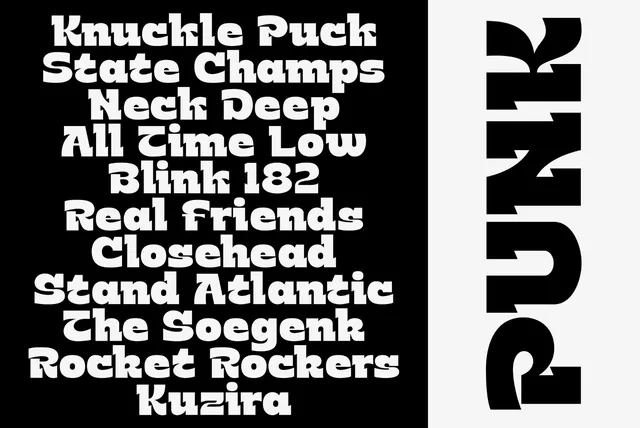
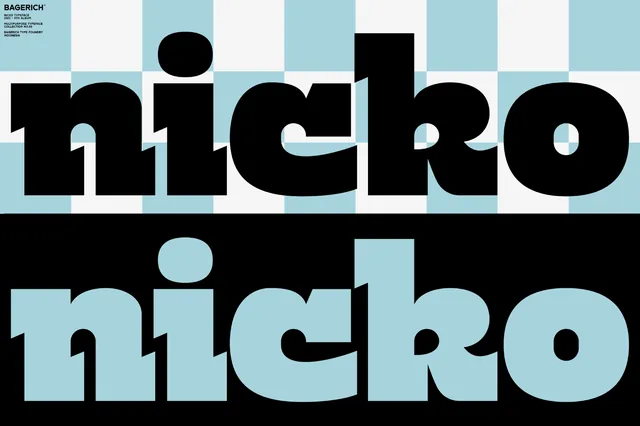
Nicko is very heavy and very friendly, with stylistic alternates and ligatures that make short words look custom. On a phone screen it has the punch of a sticker, so it's ideal for sale announcements, menus and thumbnail text that has to be read in a split second.
- Best for: playful brands that still want to look polished.
- Pair it with: A light sans like Nerova to calm it down in supporting lines.
- Tip: Use the alternates on one word per design, usually the brand name or the offer.
Where to download
4. Billguva Font
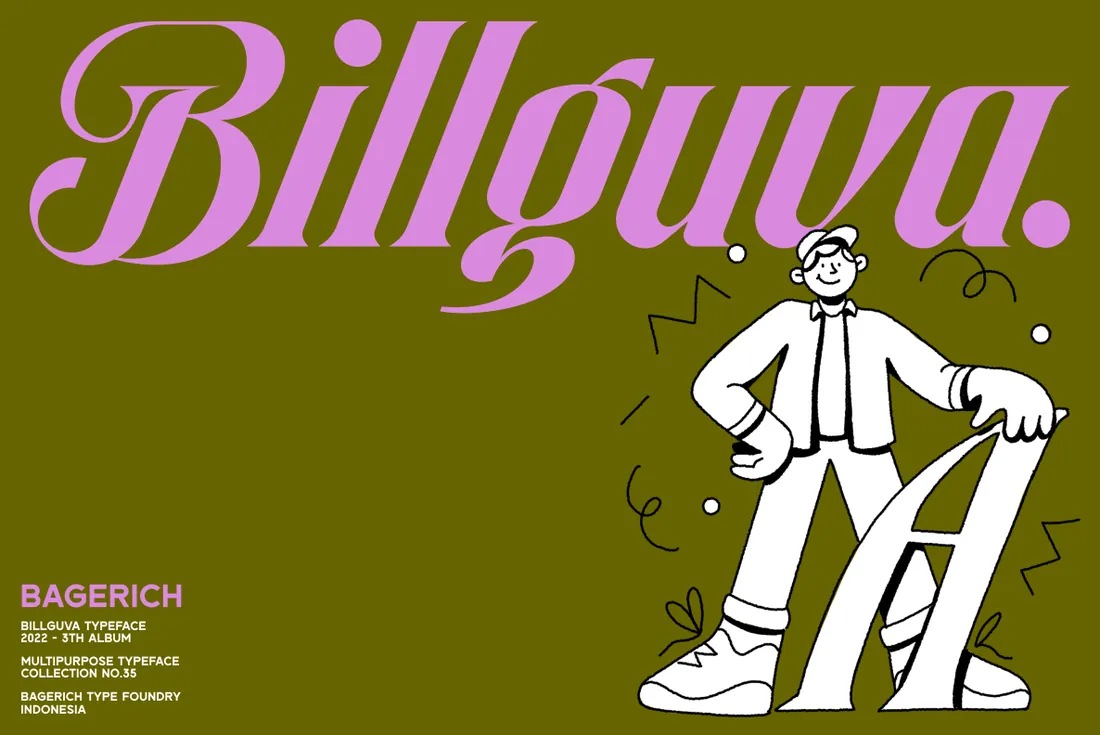
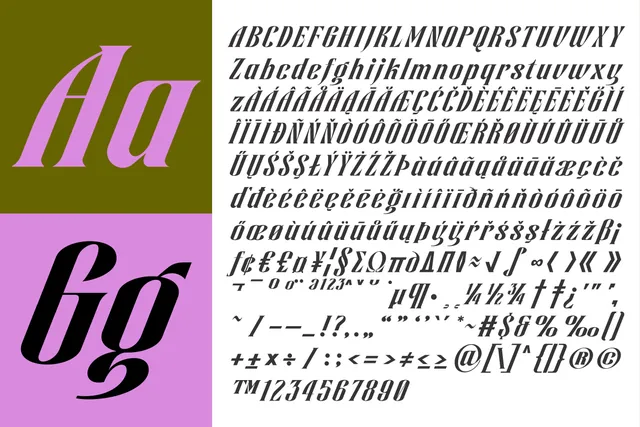
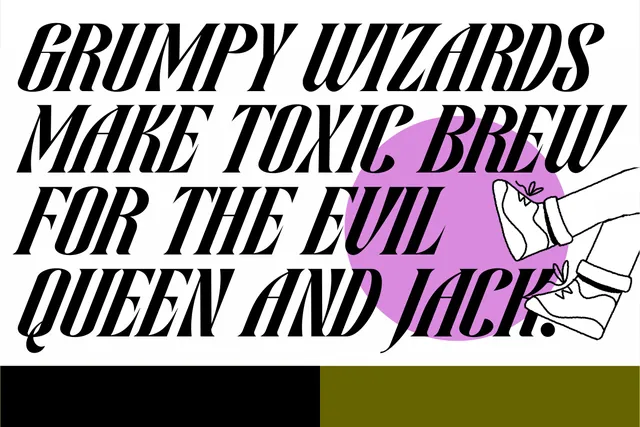
Billguva is a high-contrast slanted display font with big, swashy curves. It gives social graphics the energy of a magazine cover, with no extra decoration needed. It's at its best on event announcements and carousel covers where one big word sets the tone.
- Best for: bold, editorial-style graphics.
- Pair it with: Affigue for the supporting line: both feel fashion-led, but only one shouts.
- Tip: One Billguva word per slide is plenty. Let the swashes overlap the photo edge for a cover look.
Where to download
5. Nerova Font
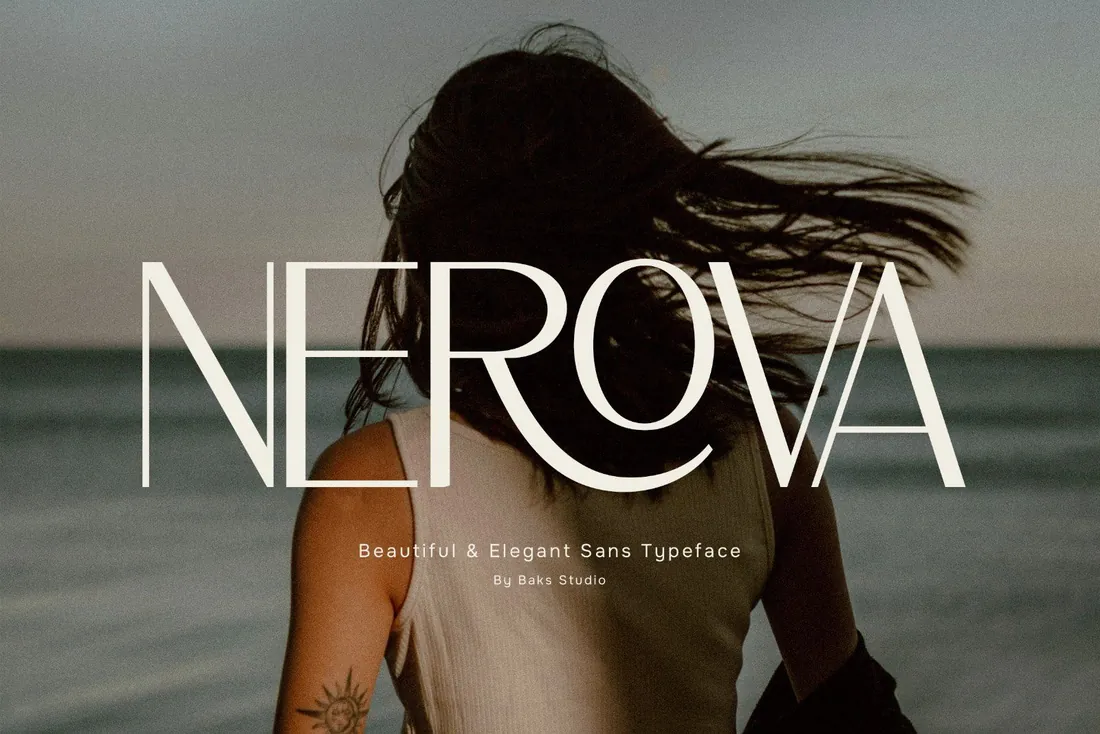
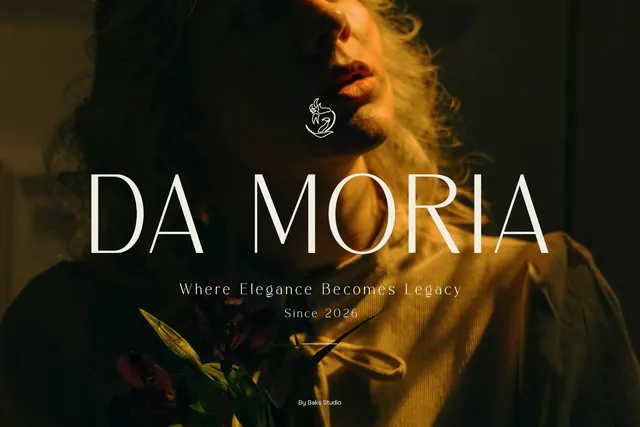
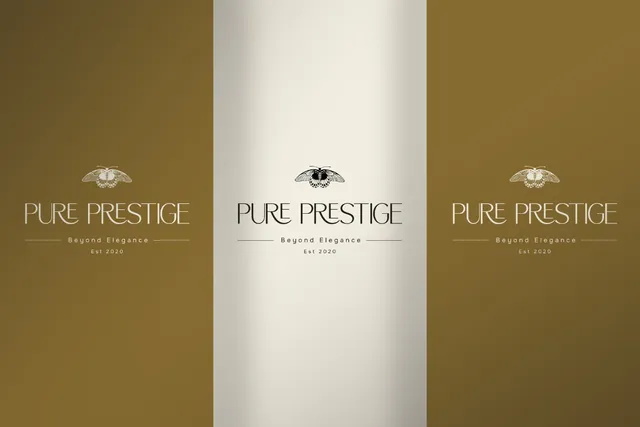
Nerova is a light, elegant sans with subtly flared strokes. Set in capitals with wide spacing, it gives a grid the quiet, expensive look that fashion and interior brands go for. Because it stays readable at small sizes, it also works as the second font in almost any pairing.
- Best for: minimal, high-end feeds.
- Pair it with: Morica or Billguva for headlines, Nerova for everything underneath.
- Tip: Thin strokes need a clean background or a dark overlay when you place them over photos.
Where to download
6. Barni Font
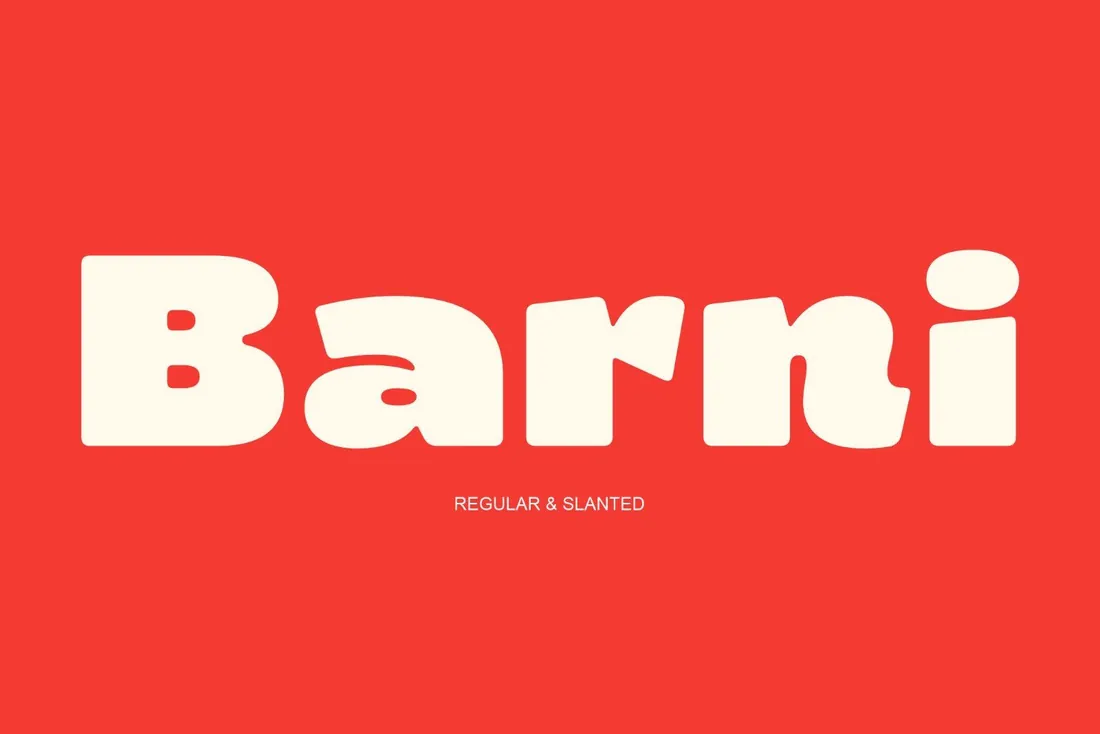
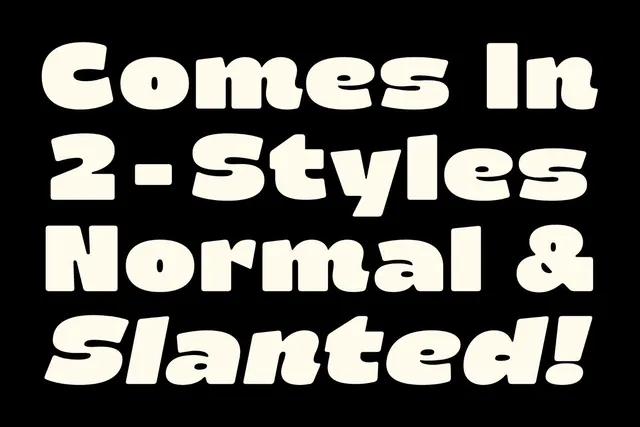
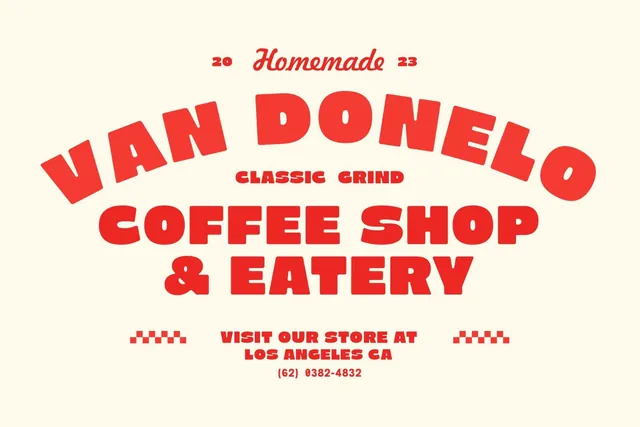
Barni is a chunky, bubbly 70s display font in Regular and Slanted styles. It instantly reads as fun and nostalgic and stays legible even as a small badge or sticker, which makes it a natural fit for cafes, dessert brands and merch drops.
- Best for: retro food, drinks and merch.
- Pair it with: Grofler Piscaro for details, so a retro post doesn't look childish.
- Tip: Use the slanted style for prices and offers; it adds movement without another font.
Where to download
7. Morica Font
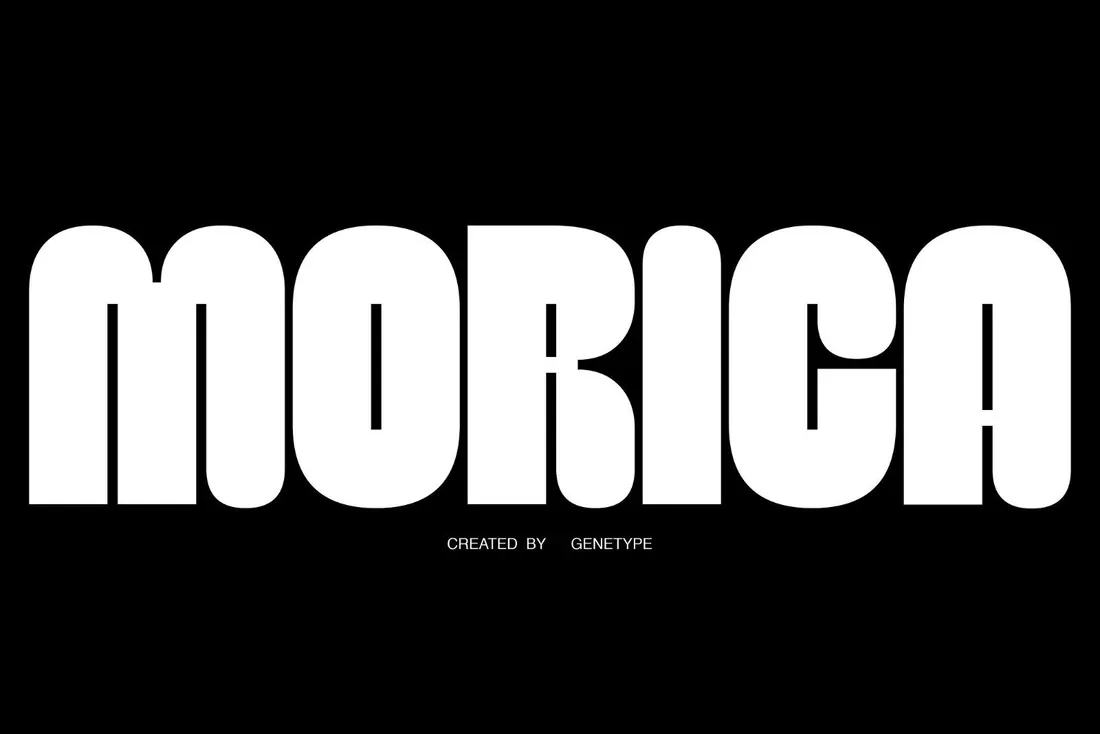
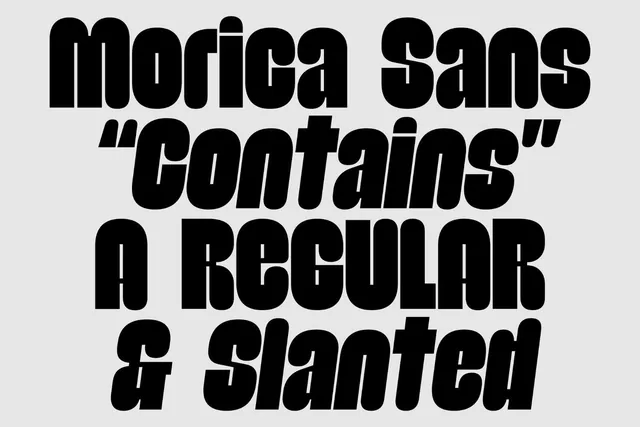
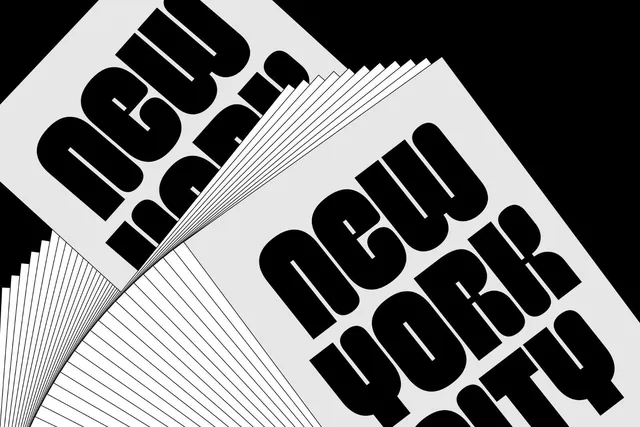
Morica is bold, tall and condensed, with rounded corners. Long words fit across a square post without shrinking, exactly what you need for carousel covers and YouTube-style titles. The rounded corners keep it friendly rather than aggressive.
- Best for: compact, attention-grabbing titles.
- Pair it with: Nerova underneath for a strong weight contrast.
- Tip: Condensed fonts need breathing room: increase line spacing slightly rather than squeezing lines together.
Where to download
Canva font pairings from this list
- Morica + NerovaTall, heavy Morica for the headline and light Nerova underneath. The contrast keeps carousel covers readable.
- Billguva + AffigueBillguva's swashy slant for the hero word, Affigue for the supporting line.
- Barni + Grofler PiscaroBarni for a playful promo word, Grofler Piscaro for the details.
How to add your own fonts to Canva
- Uploading fonts works on Canva Pro, Teams, Business, Education and Nonprofits plans.
- Canva accepts OTF, TTF and WOFF files. Open Brand Kit, choose Fonts, then upload the file.
- The font then appears in the text menu for all your designs. Canva asks that you only upload fonts you're licensed to use, so keep your download receipt.
By the numbers
- 265M+monthly active Canva users, with more than 31 million paying users, as of early 2026TechCrunch, Feb 2026
- 3font file formats Canva accepts for upload: OTF, TTF and WOFFCanva Help: Upload and use Brand Kit fonts
Frequently asked questions
Can I upload fonts to Canva for free?
No. Uploading your own fonts needs a paid or eligible plan: Canva Pro, Teams, Business, Education or Nonprofits.
Which file format should I upload to Canva?
OTF or TTF is the safest choice. Canva also accepts WOFF.
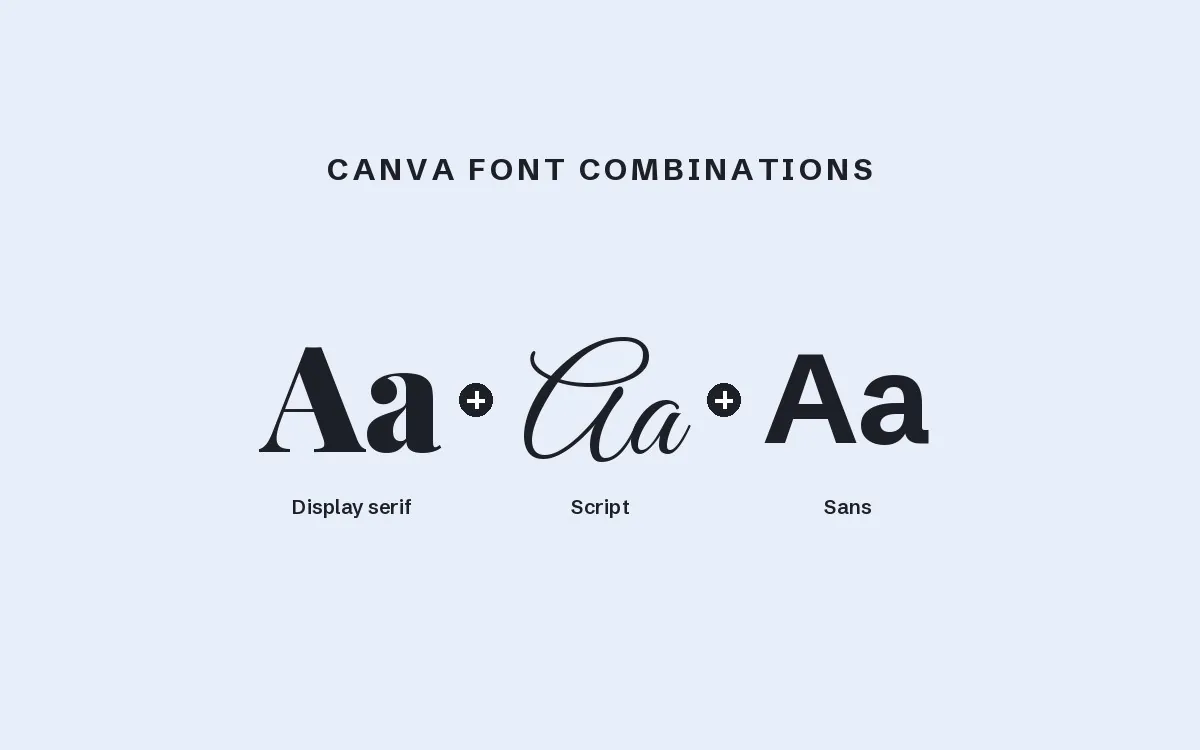
What are good Canva font combinations?
Pair one expressive display font with one calm, readable font. From this list, Morica with Nerova and Billguva with Affigue are two easy wins.
Can I use these fonts for a business account?
Yes, as long as the license covers commercial use. Our font license guide explains the difference in plain English.
What are the best aesthetic Canva fonts?
For an aesthetic look, upload one display font with character, such as Grofler Piscaro or Billguva, and keep a clean font for small text. Cute Canva fonts like Barni and Nicko suit playful brands, cafés and sale posts.
Final thoughts
Start with one display font for headlines and one quiet font for everything else. Add them to your Brand Kit, rebuild your three most-used templates with them, and your feed will look consistent within a week.
Sources
Last checked October 31, 2026.
This guide contains affiliate links. If you buy through them, mockupex may earn a commission at no extra cost to you. Learn more